
How do I create a Unique Product
First you need to make sure your permissions allow you access to Add and Edit Suppliers and Products
Before you jump into the Products module to create a New UNIQUE Product you MUST check whether the Supplier for the product already exists in your Data Base .. IF not then you will need to start by Adding the Supplier to the Suppliers Module.
From the sideBar select Suppliers then Suppliers
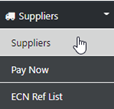
and the first page of Suppliers in your DB will be displayed
from here Enter the Name of the Supplier for the Product you wish to add in the Search Box, then press enter

In our example the Supplier Golden Limo is not in our DB so the next step is to ADD the Supplier for future use, we do that by selecting ADD NEW and the following screen will be revealed
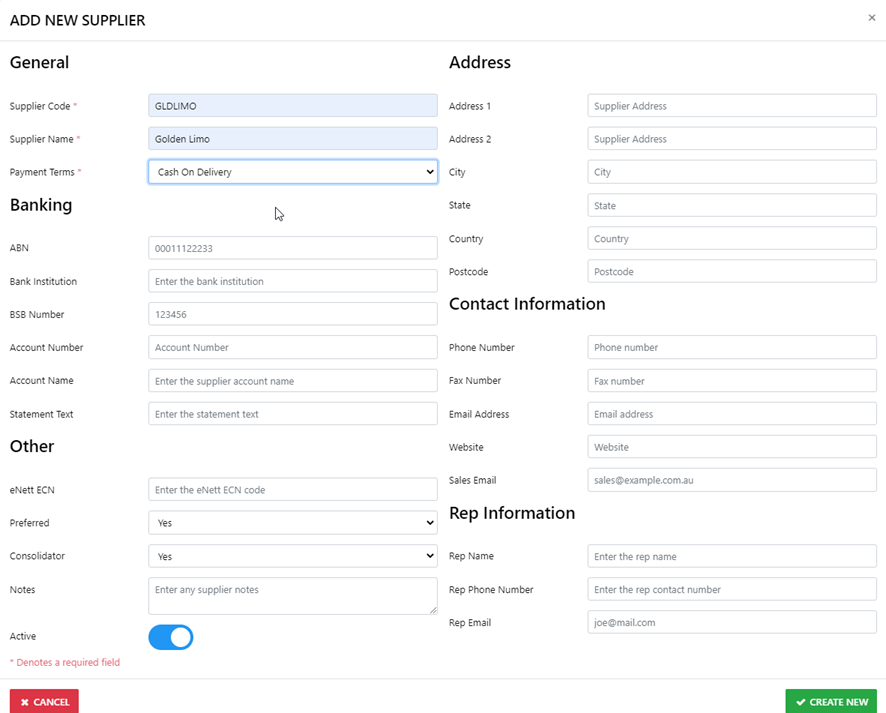
Once you've added all of the relevant details select CREATE NEW
Next step is to Create the New Unique Product
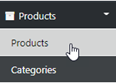
from the sideBar select Products - Products
as is the case when adding anything new to the DB always do a search first
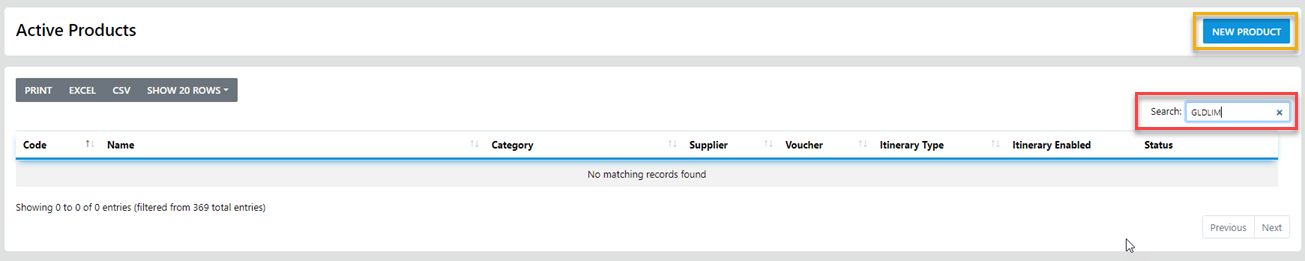
once you are satisfied the product does not yet exist in your DB you can go ahead and Create it via the "NEW PRODUCT" Option
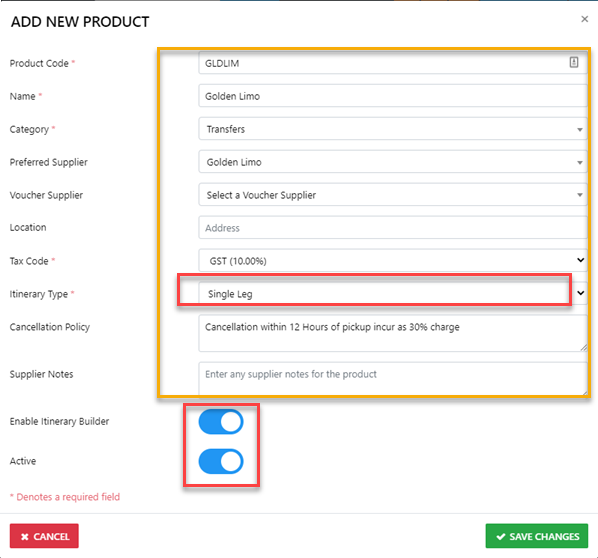
IF the product it to be included in Itineraries select the Itinerary Type
Air for Air carriers
SingleLeg for Most products
MultiLeg for Tours and the like
AND if it's to be Itinerised ... Enable the Itinerary Builder