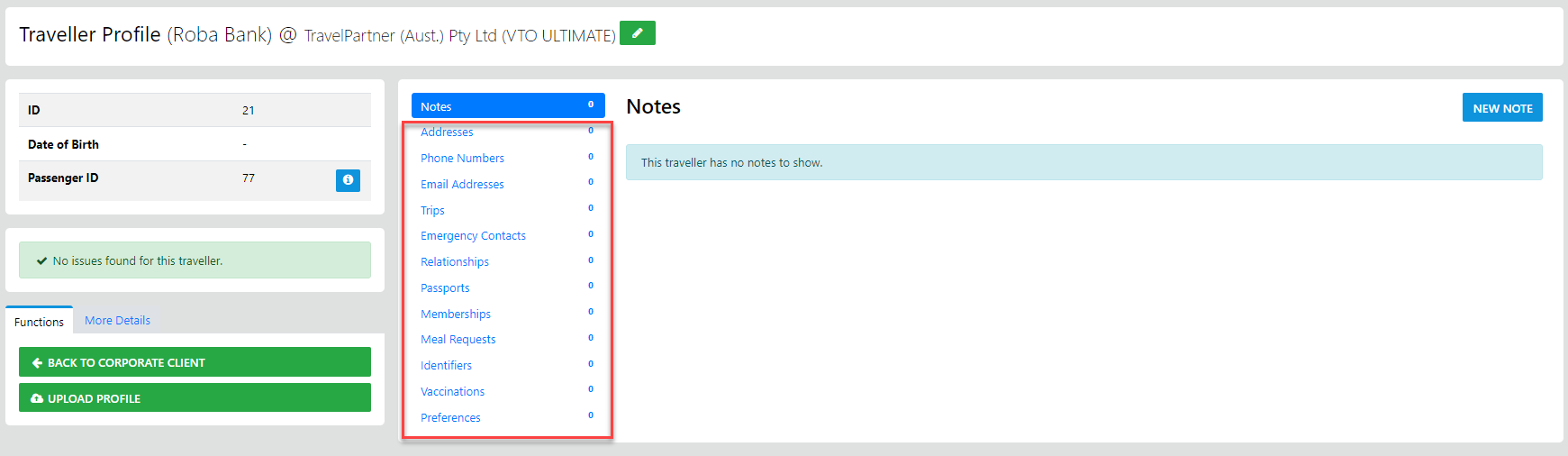
Adding a Traveller to a Corporate profile requires you to be subscribed to the Full Corporate Module
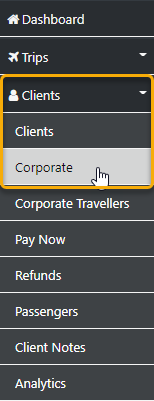
you start by selecting the Clients option from the side bar then select Corporate
and the following form will display
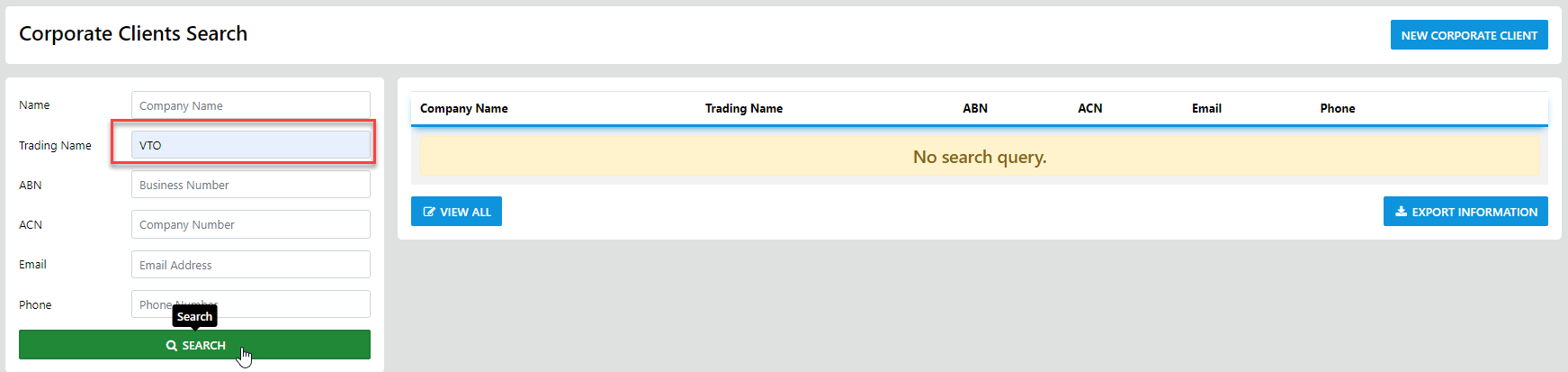
enter ALL or PART of the Company Trading Name then Select Search
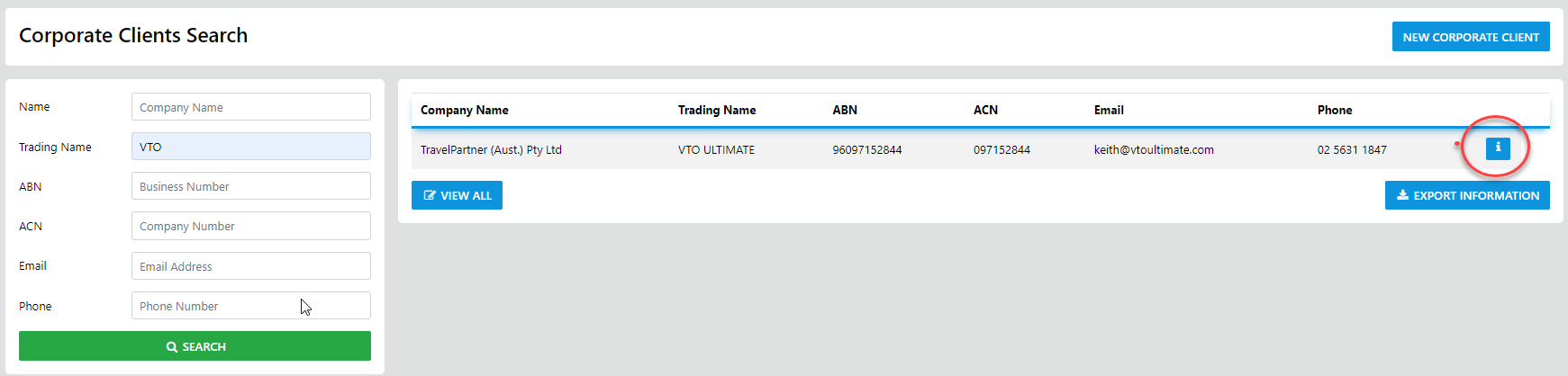
this will display the matching Corporate Drill Down into the corporate profile
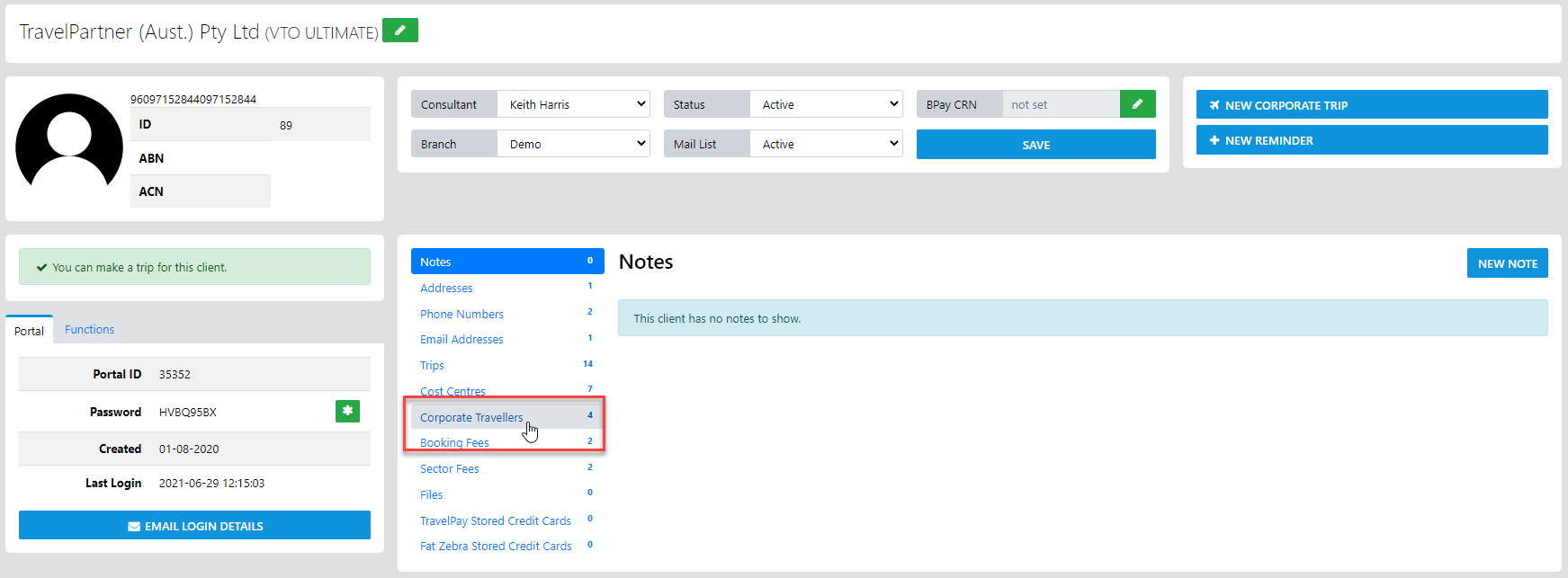
then select Corporate Travellers
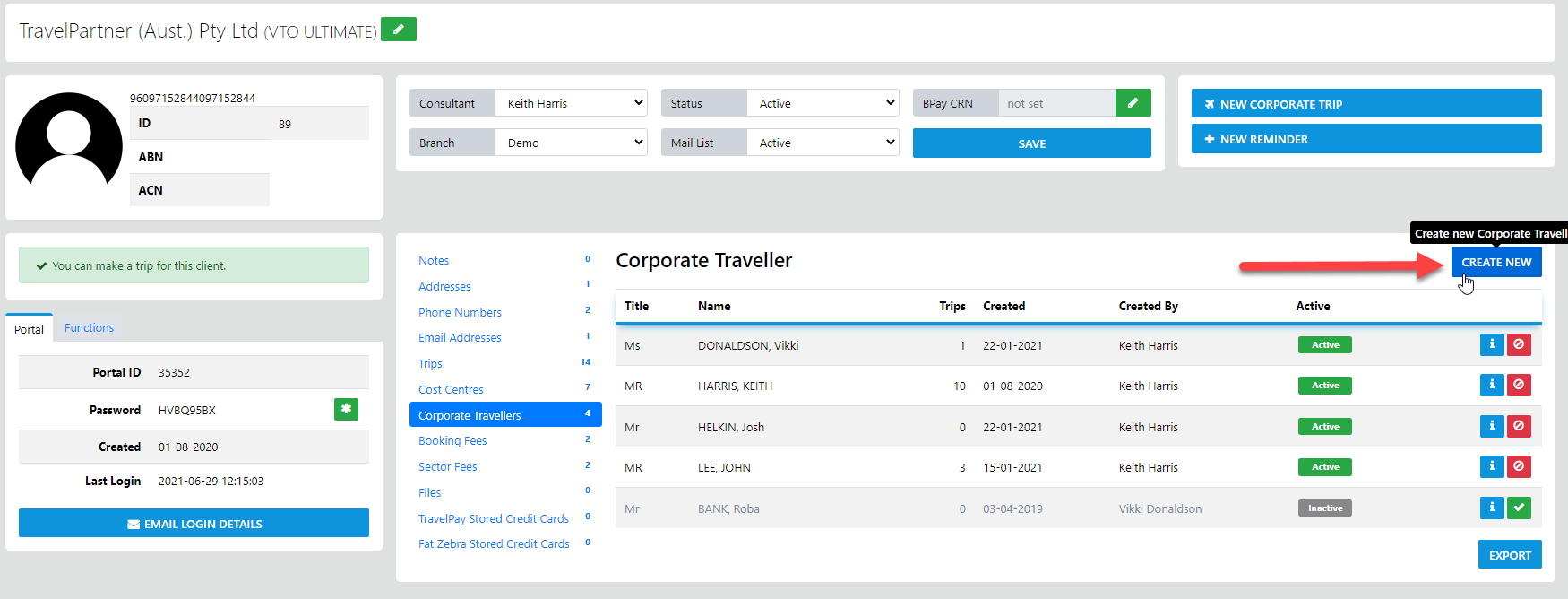
from here select the Create New Option
and the following form will display awaiting your entry of the basic data
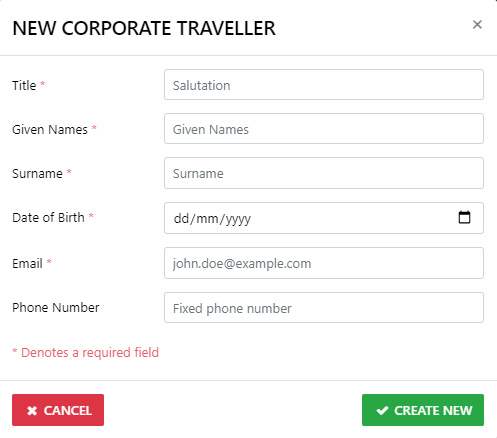
Once you have selected Create New the following form will display
you can now add any additional data here and save notes about the client if desired