
The Pay Now option accessed from the sideBar under Suppliers allows you to process full - partial payments OR a Mix of for the trip sector in one process
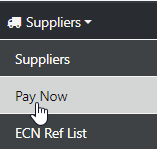
From the sideBar Select Supplier - Pay Now
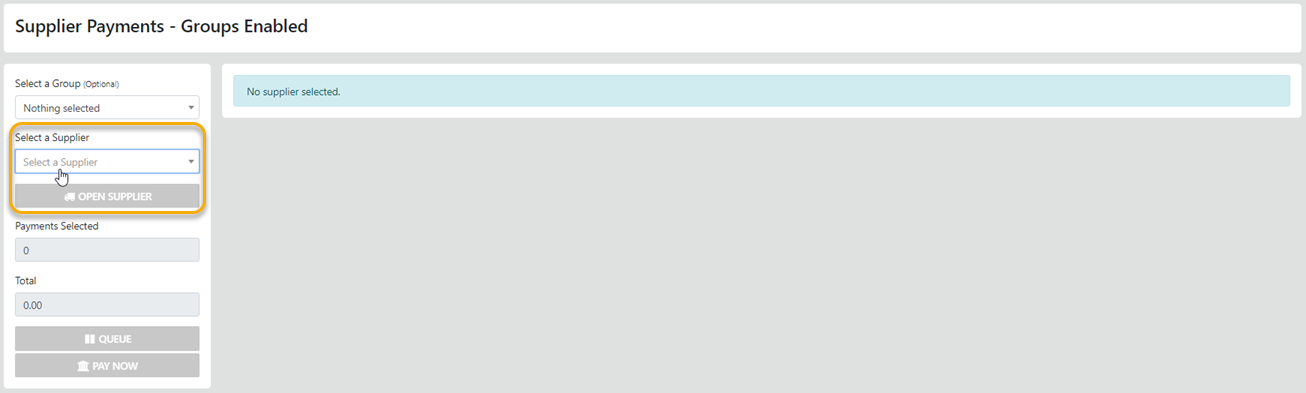
Select the Desired Supplier and the returned screen will display all un-settled sectors for the selected Supplier
First - Select the desired Supplier from the list box - then - select
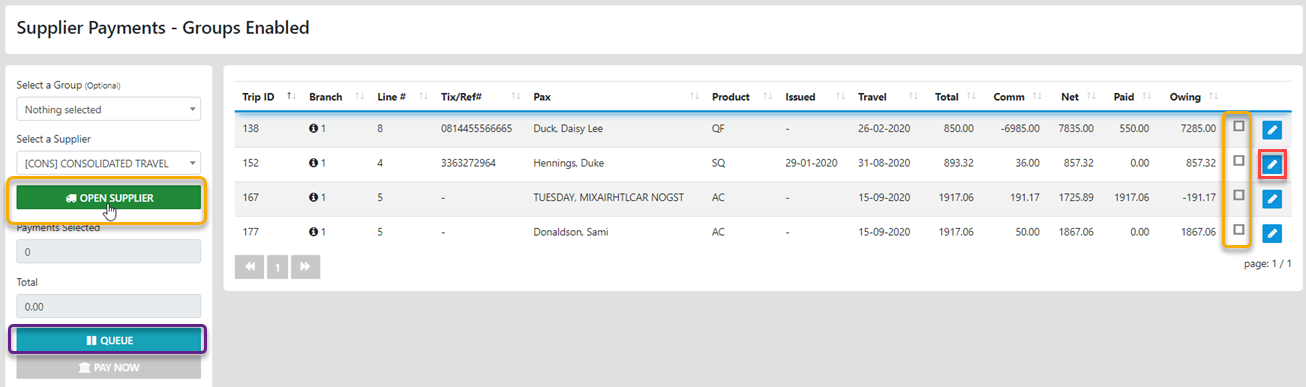
Now All you have to do is Select the checkbox associated with the sector you want to pay
If you need to attend to something else you can Queue the selected line items for later recall by selecting the option
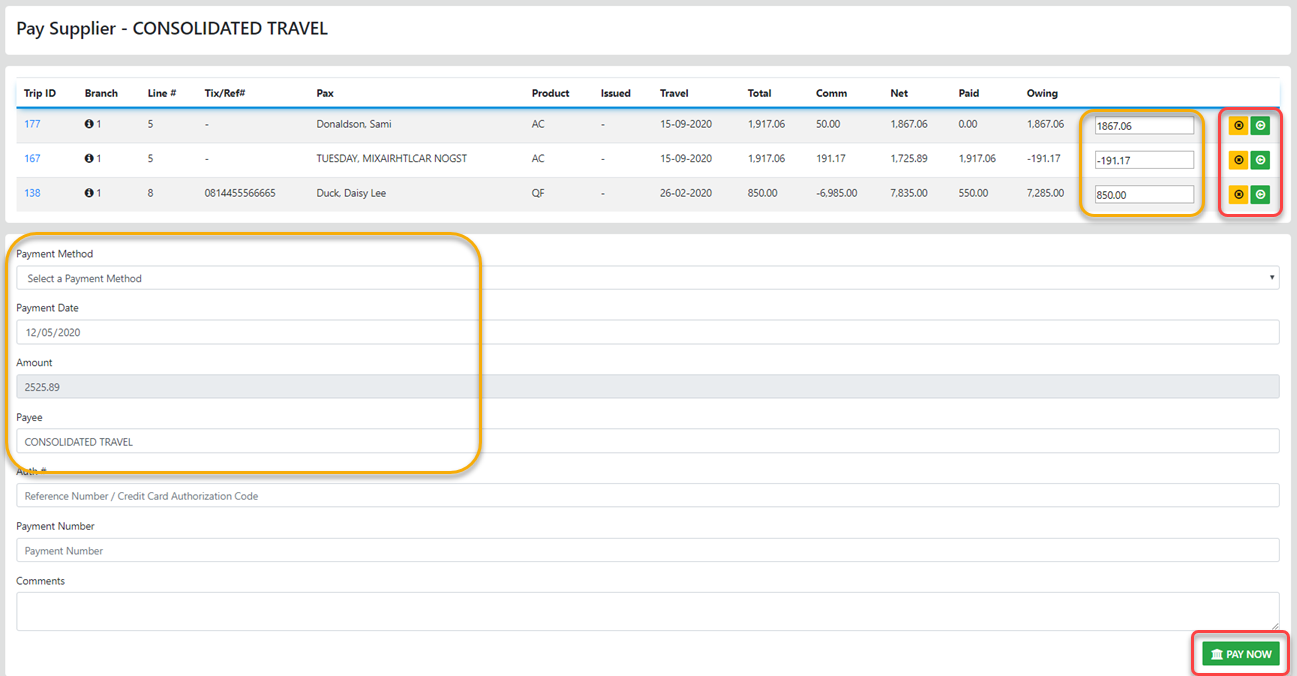
Select the option to apply the full amount owing - Select the option to clear the amount selected OR just enter the desired amount.
Next select the correct method of Payment, Update the Payment Date (the Amount field is Auto filled)
You can enter or over-type the default Payee
Add the Authorisation Number if available
Add a comment if desired
Then IF all the entries are correct - Select
If you need tho Adjust the displayed Net select the to the right of the sector line and the following screen will display
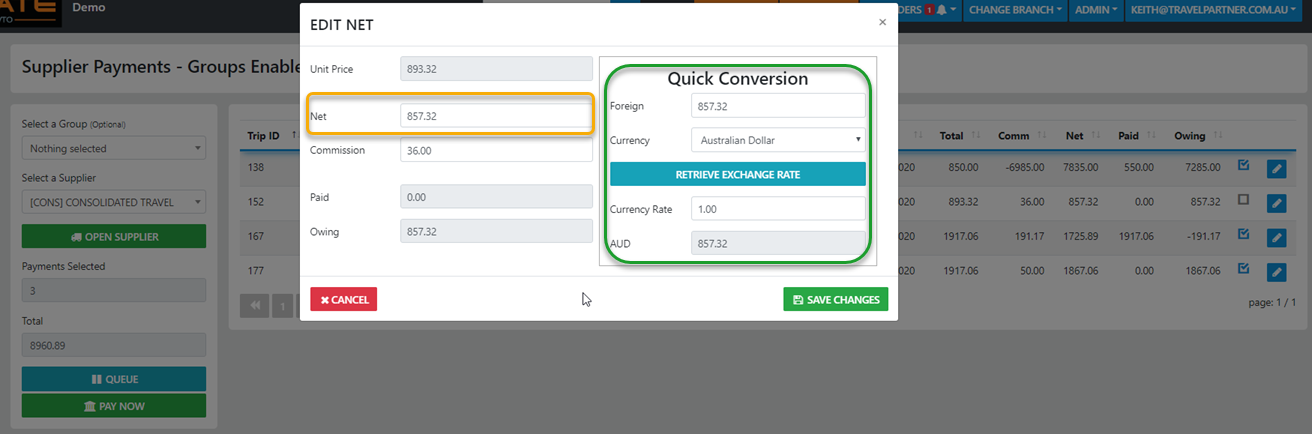
In this Modal you can update the Net to the desired value and in turn the Commission will be re-calculated appropriately
If you need to Recalculate YOUR local currency value of the Net based on a foreign currency - just select the currency then retrieve the exchange rate (these are the wholesale rates) and the Net will auto reset to correct rate.