
Select Trips from the sideBar and the following Options will display
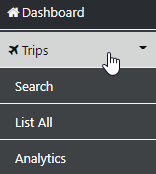
Select Trips and the first page of Trips system wide will display (User Permissions apply)
You can Drill Down to the desired Trip by selecting the Icon or you can Search Trip data or draw a new set of Data by using the Pagination Tool at the foot of the page
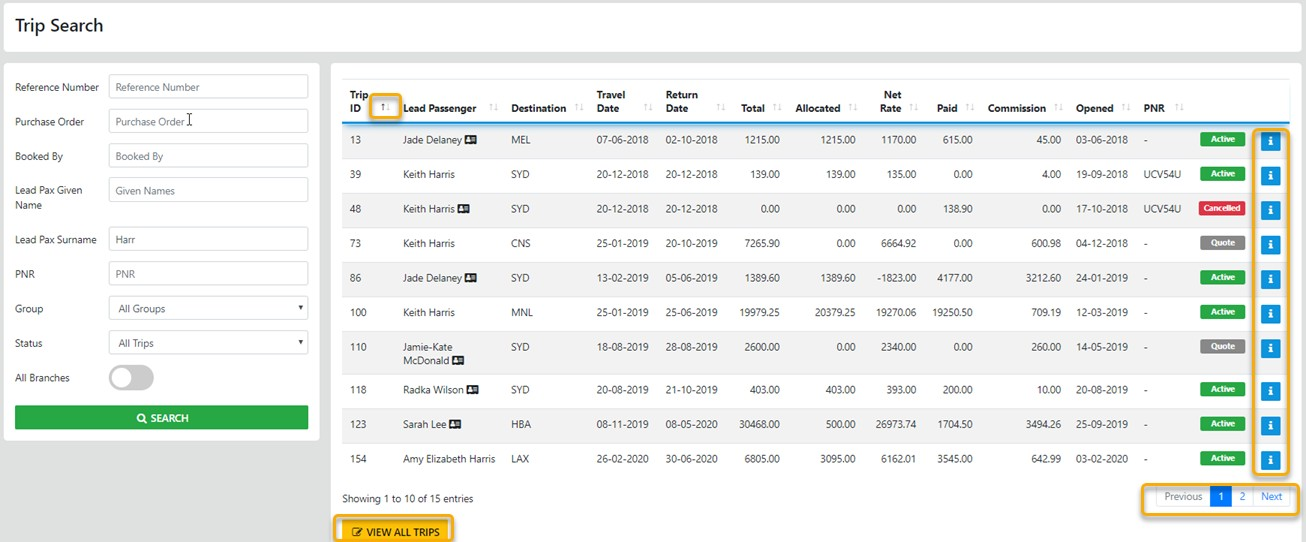
The Card Icons adjacent to the lead Passenger reveal the other PAX in the trip when moused over
You can re-order the display by selecting the header labels OR VIEW ALL TRIPS via the option
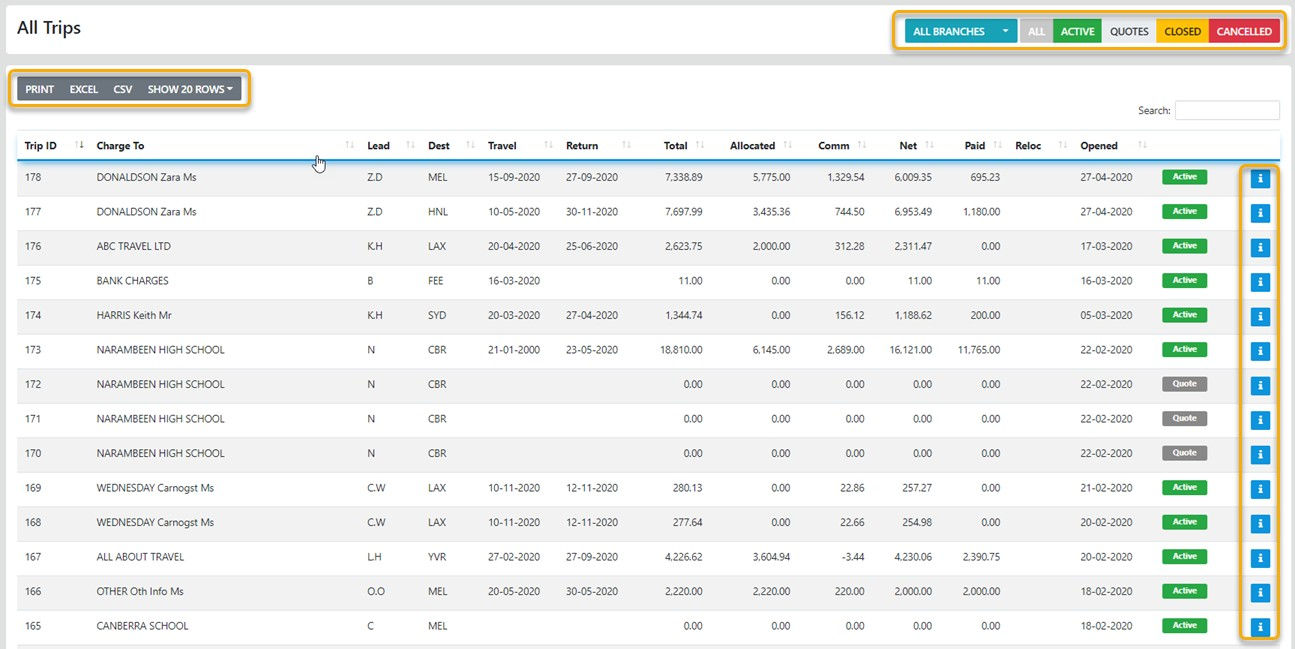
You can Drill Down to the desired Trip by selecting the "Info Icon" or you can Search Trip data or draw a new set of Data by using the Pagination Tool at the foot of the page
Trip Data can be Printed, Exported in Excel format or as a CSV