
Select SEARCH from the sideBar and the following option will display
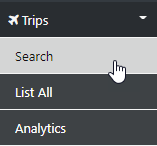
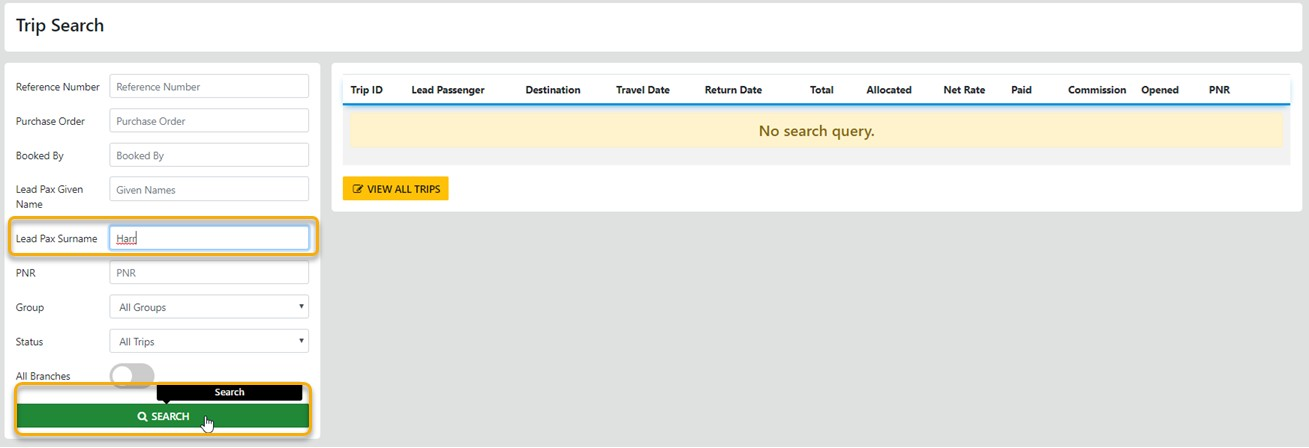
Select Search and you are presented with filter options to search by, select your preferred option the select Search and the result will populate the form
to view the details of the Trip select the (Info) Icon
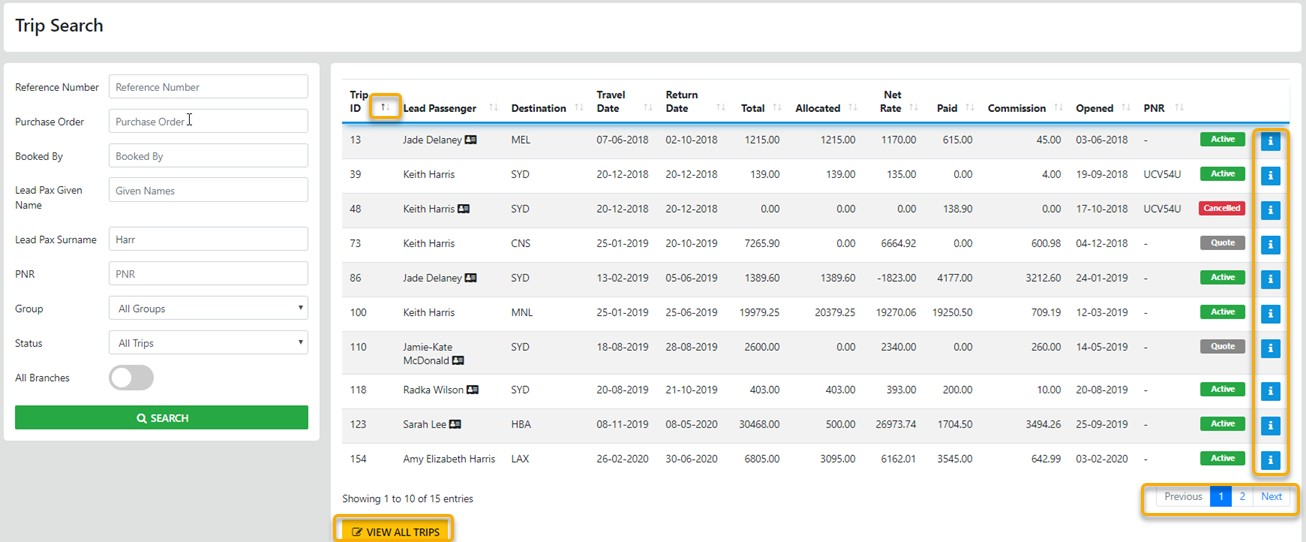
You can re-order the display by selecting the header labels OR VIEW ALL TRIPS via the option
The Card Icons adjacent to the lead Passenger reveal the other PAX in the trip when moused over