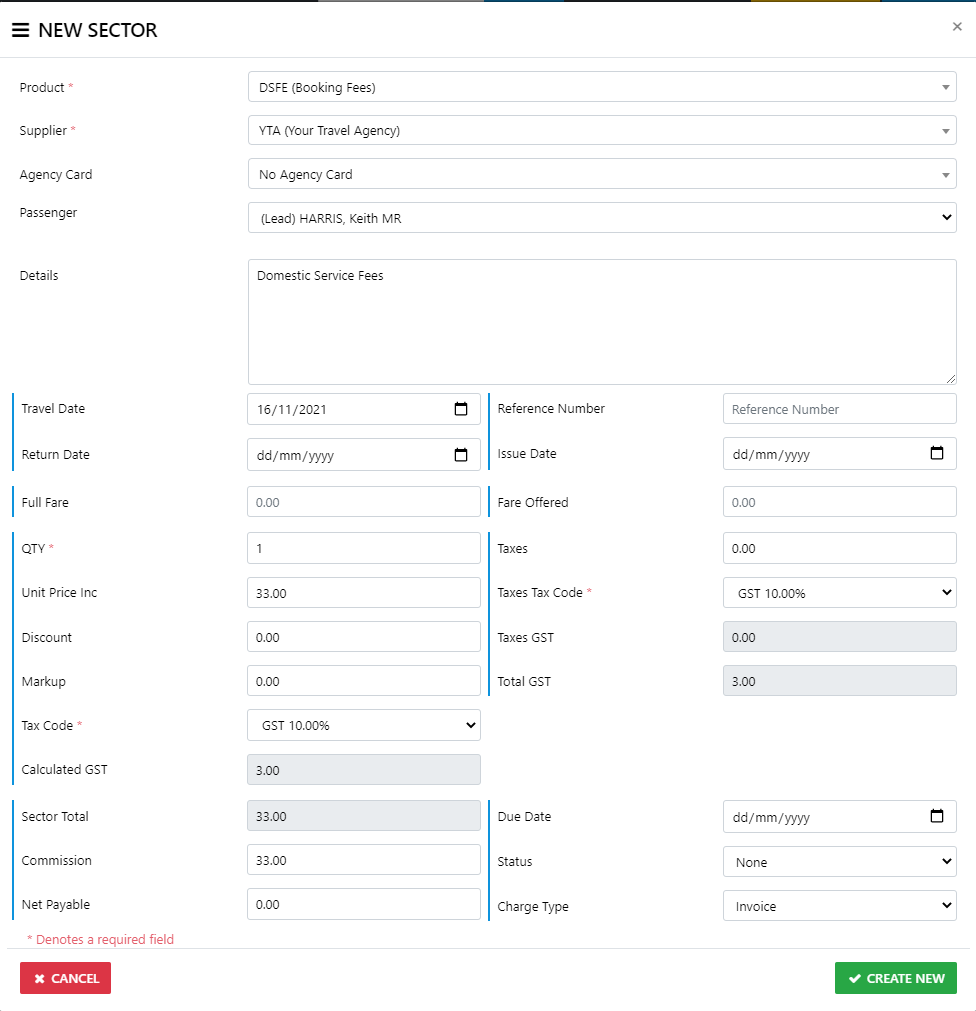
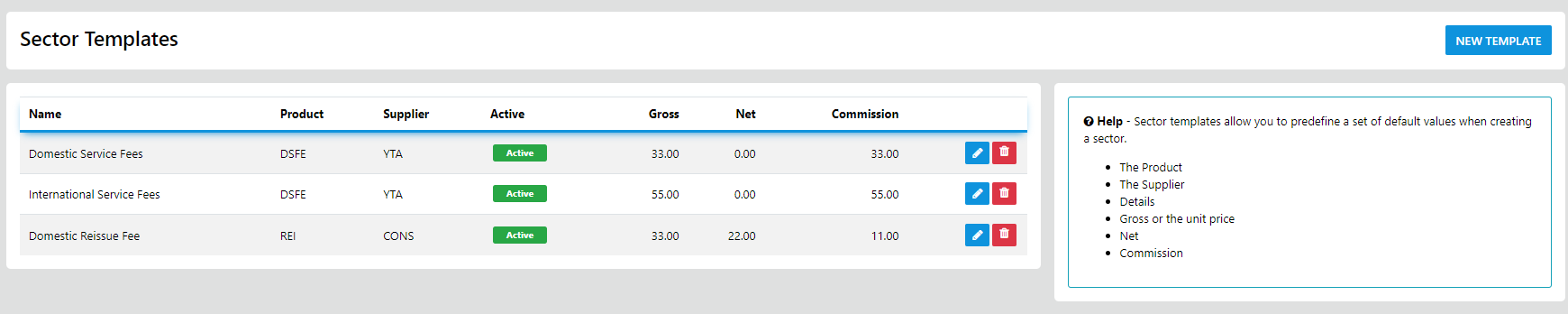
Ultimate now allows for the Creation of reusable templates for storing and reusing sector fees and the like
this element is only limited by your imagination and creativity
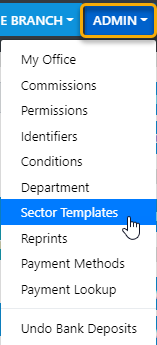
to Create a template, from the top toolbar select ADMIN then Select Sector Templates
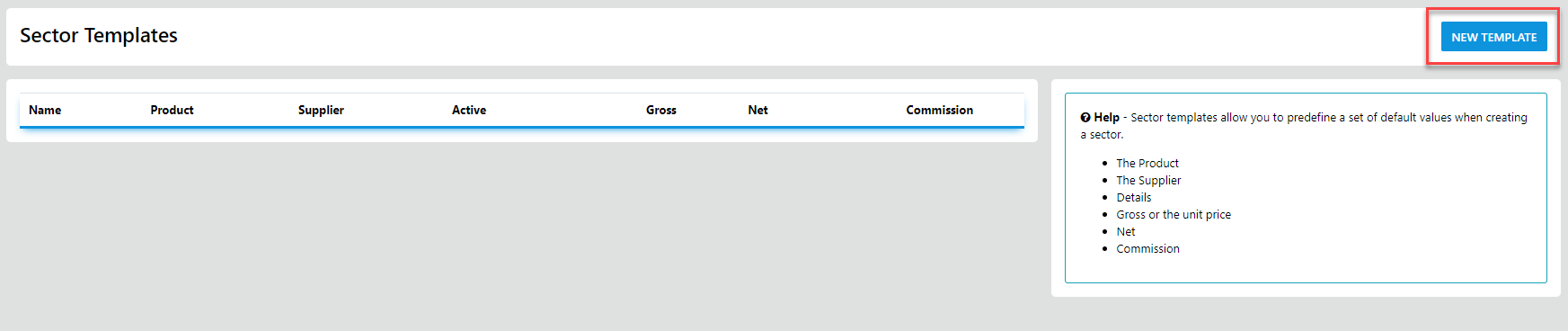
Now you can go ahead and fill in the form details for later reuse
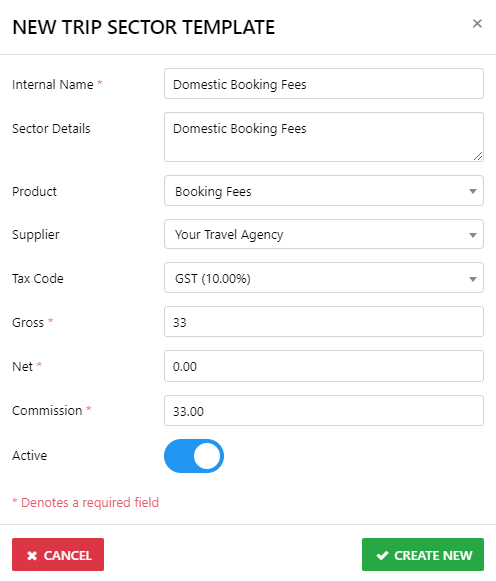
Once you have completed creating the templates you want rapid access to at anytime in any trip select Create New
to view your stored templates select ADMIN from the top Toolbar then select Sector templates
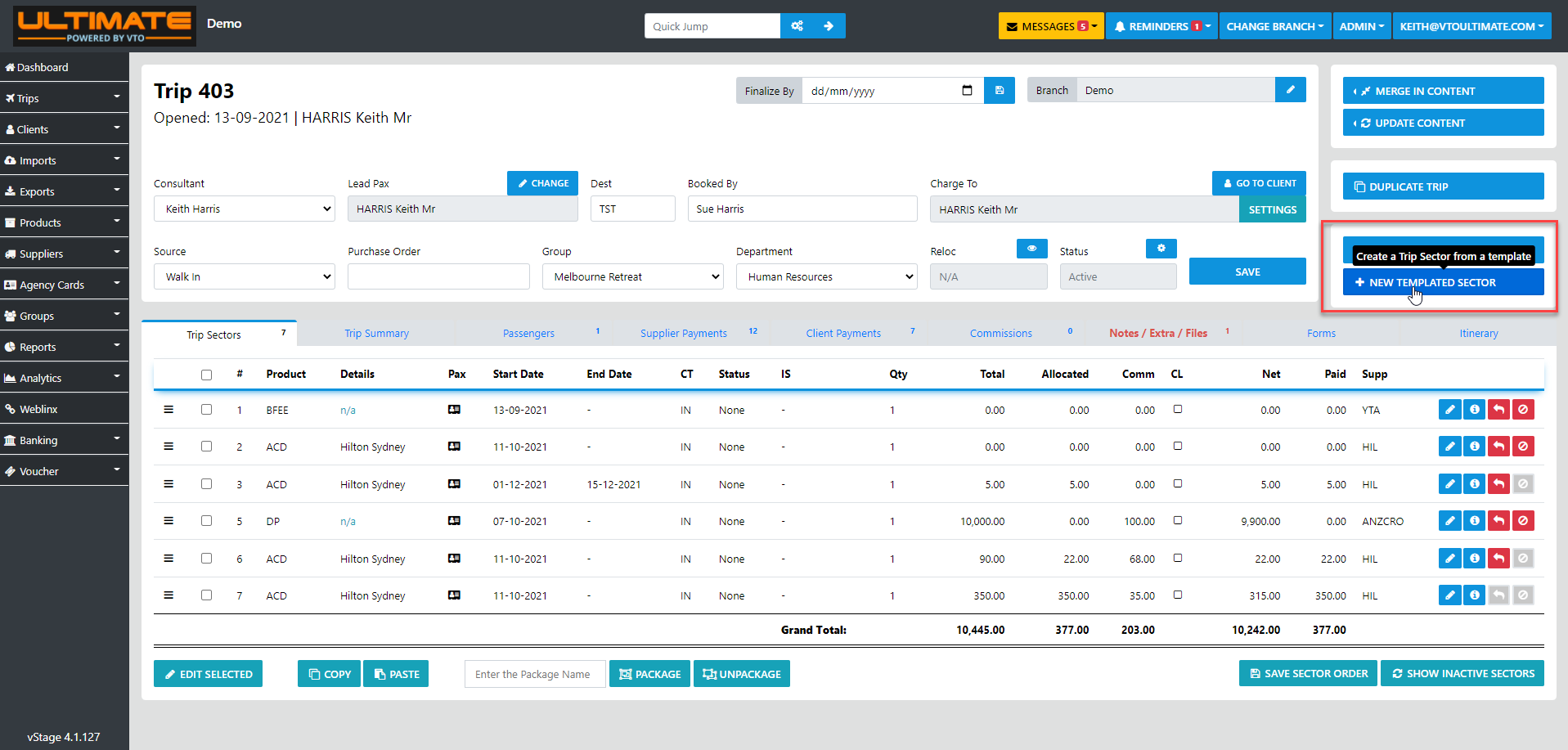
to add a stored template to a trip simple select the New Templated Sector Optin in the trip
and the list of stored templates will display for selection
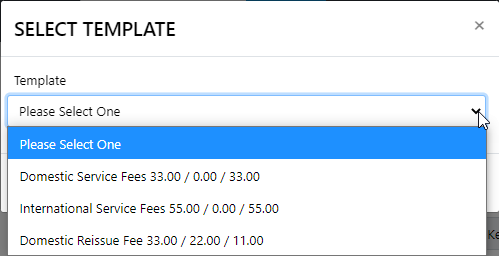
just select the desired template and your sector will display ready for any additional modification then select Create New