
The Clients Module gives you access to Pay Now (Multi Receipt and Auto Sector Allocation & Group Payments)
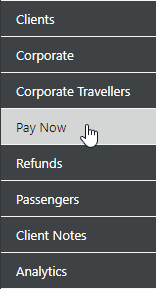
Pay Now Option
You can choose Receipt Payments to either Clients, Corporate Clients, a Trip or Groups
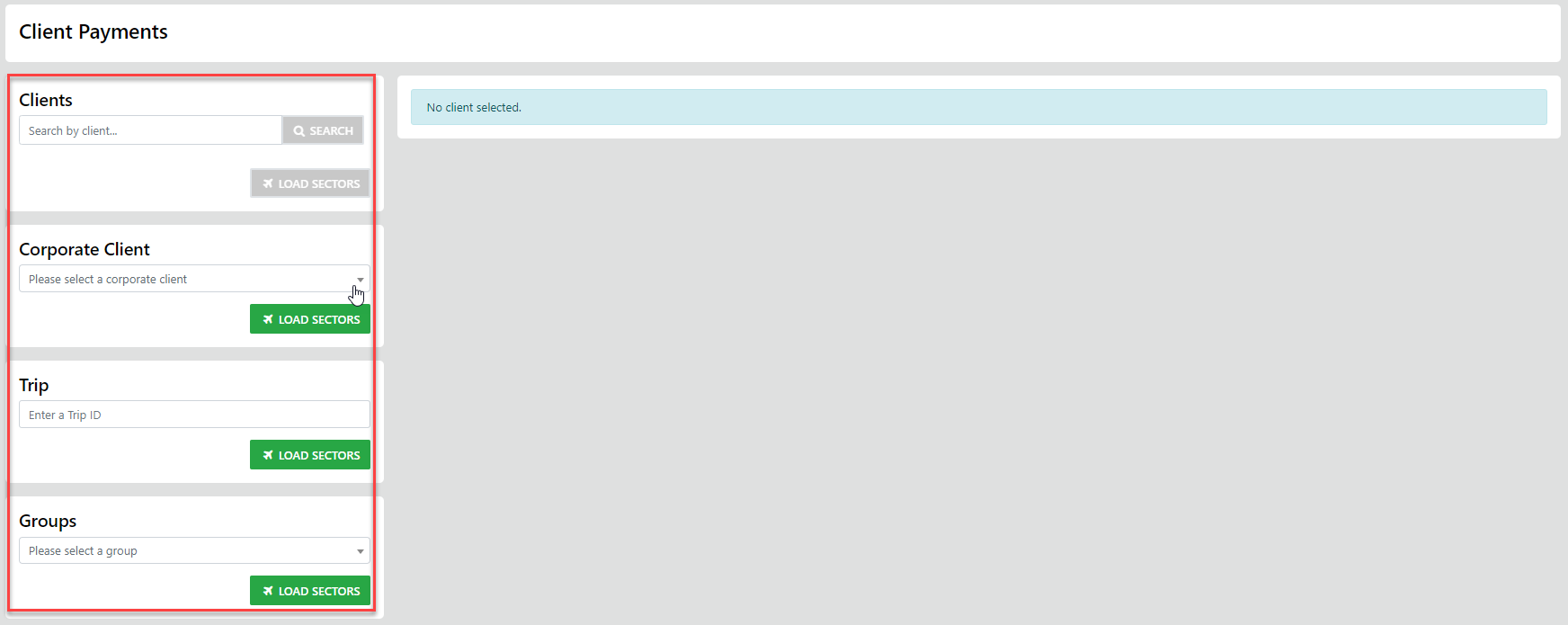
In the following example we've selected a Corporate Client - the result of the search displays all trips and sectors therein where monies are still owing
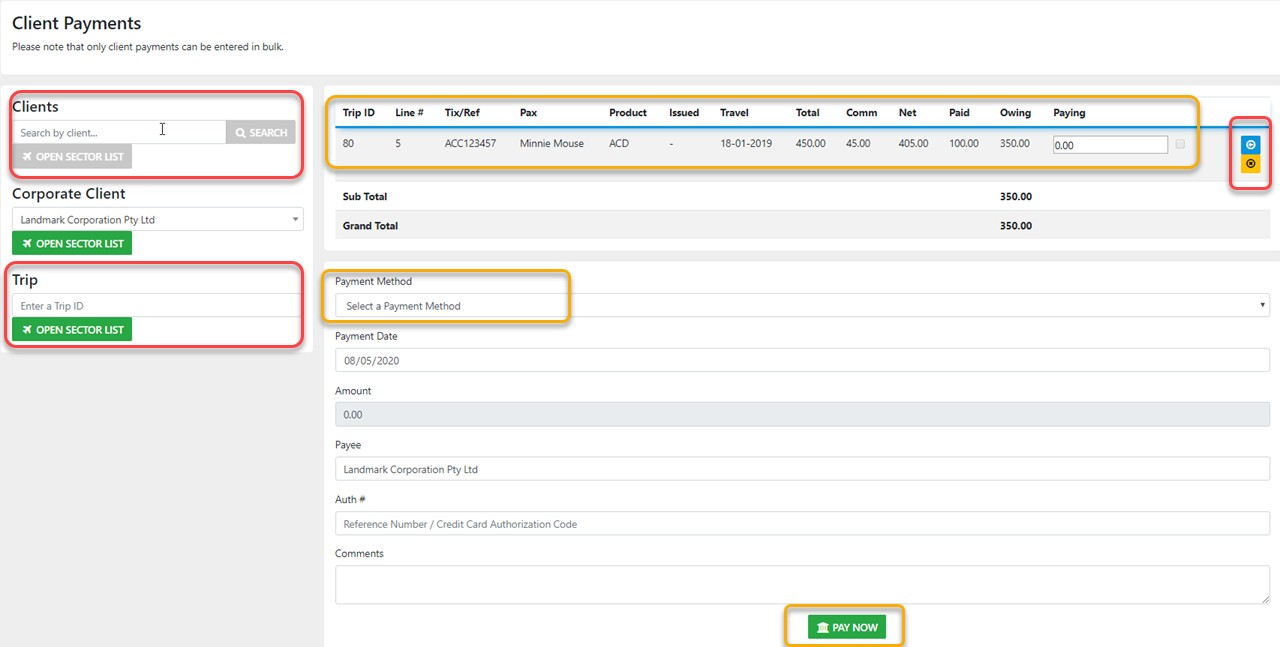
Select the  option to apply the full amount owing - Select the
  option to clear the amount selected OR just enter the desired amount.
Next select the correct method of Payment Update the Payment Date (the Amount field is Auto filled)
You can enter or over-type the default Payee
Add the Authorisation Number if available
Add a comment if desired
Then IF all the entries are correct - Select 
It's the same process for Clients, Trips and groups