Products
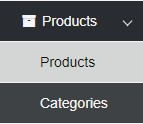
Select Products and the following form will display
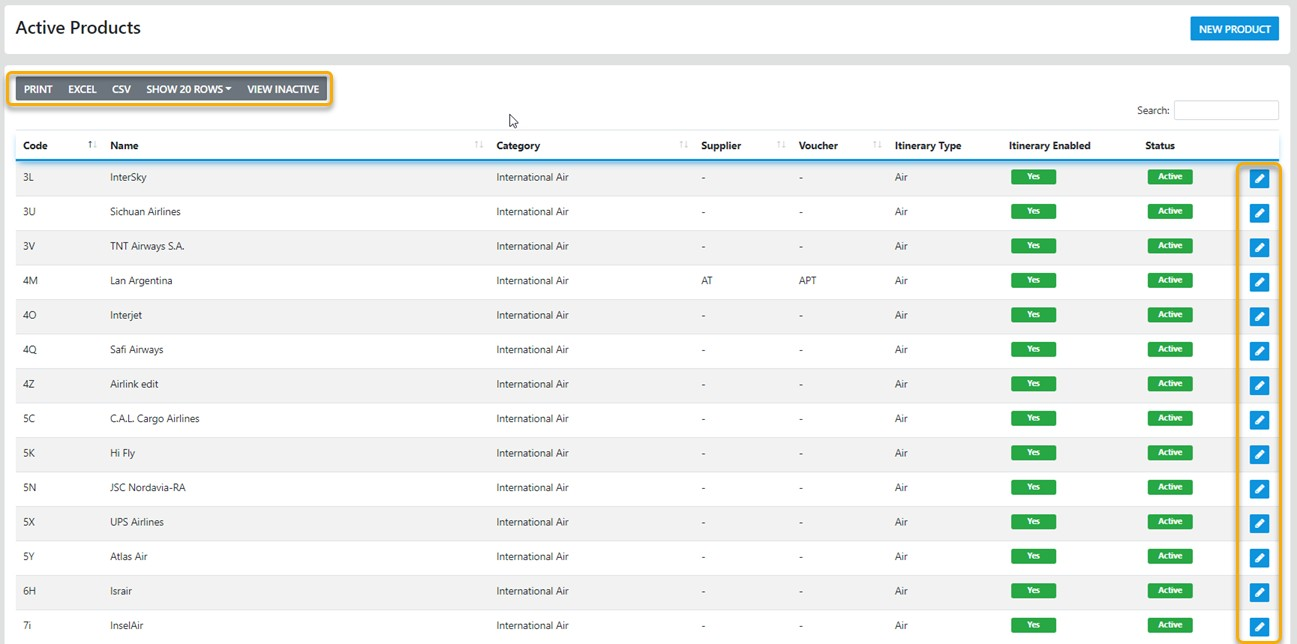
By default the first 20 Products are displayed you can Filter by selecting your "Search Criteria" then enter the Product to search for
The choices here are "New Product" which displays a blank template ready for you to add the new Product to the database
You can move to the "Next" 20 products or the "Last" 20 Products in your database by selecting the desired option using the "pagination tool"
you can drill down to display the full data set for the selected product by selecting the "Pencil Icon" at the far right of the form
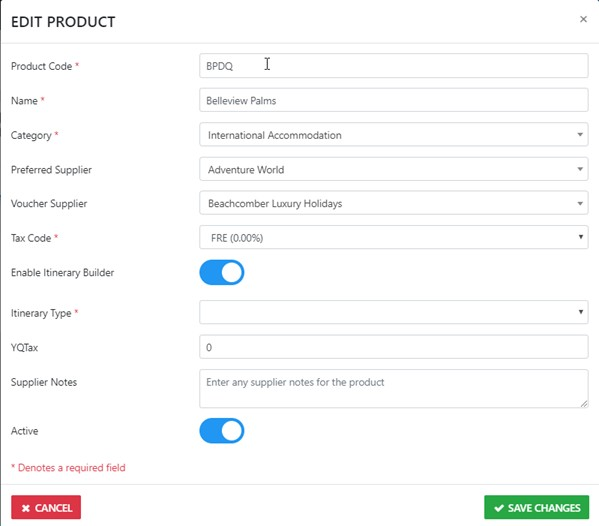
From here you can update an existing Product to reflect your desired result
The mandatory* or required* fields are indicated with an*
The YQ Tax is only applicable to airline carrier codes who use that code to indicate Commission on taxes in a PNR, you enter the percentage amount in this field e.g. 5.00
Ensure you set the Product to Active before you select Save Changes
Note: you can deactivate any Product which is not applicable in your trading scenario