
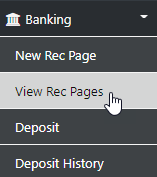
IF you normally reconcile in one complete session you won't have the need to open a new page however, IF there are missing transactions or transactions which need to be reviewed the multi page option really comes into it's own allowing you to select the Update Items option which flags the page on later recall as Pending.
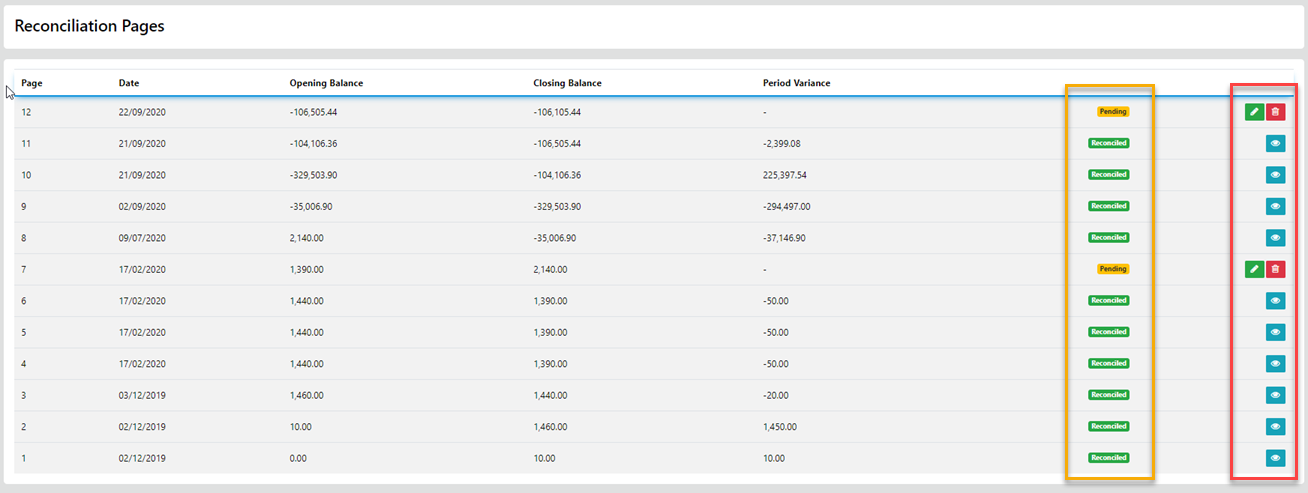
You can re-open the pending rec pages and continue reconciling until you reach the expected closing balance for the page, IF you still have transaction under review simply select the Update Items option again.
IF you are finished with the reconciliation for the selected page and everything is balanced to your expectations select the Process option.
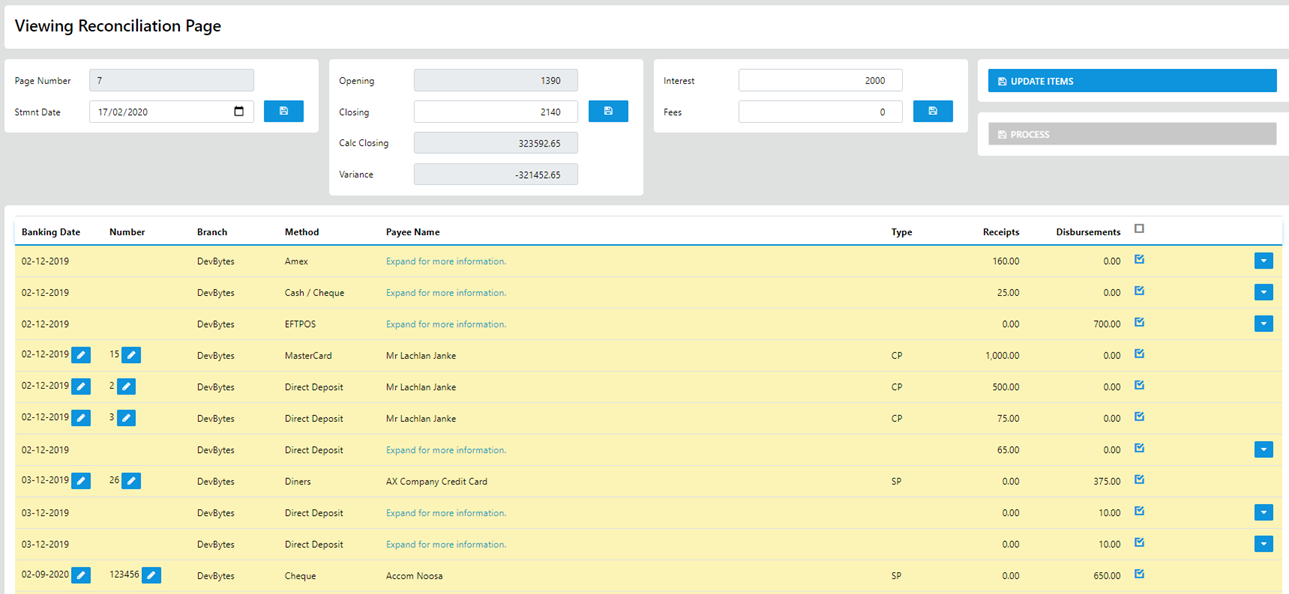
The "Grouped Payments" can be expanded and the date banked changed by selecting the Date and Updating via the Calendar control.
Items displayed on the Reconciliation Pages as Reconciled can be re-opened and previously reconciled transactions un-reconciled or banking dates amended as required. (This practice is NOT recommended)