Reports
There are four levels of reports which automatically limit which reports are available based on your user Status and Permissions the levels are as follows;
Owner
At this level the full selection of reports is available
Manager
Managers have full selection of reports is available
Consultant
Consultants are limited to reports which only display data relating to Trips created by the logged in Consultant.
Broker/Home Based
Broker or Home Based Consultants are limited to reports which only display data relating to Trips created by the logged in Consultant.
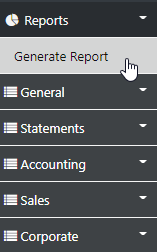
The sideBar Generate Report Option take you to the System Reports set as follows:-
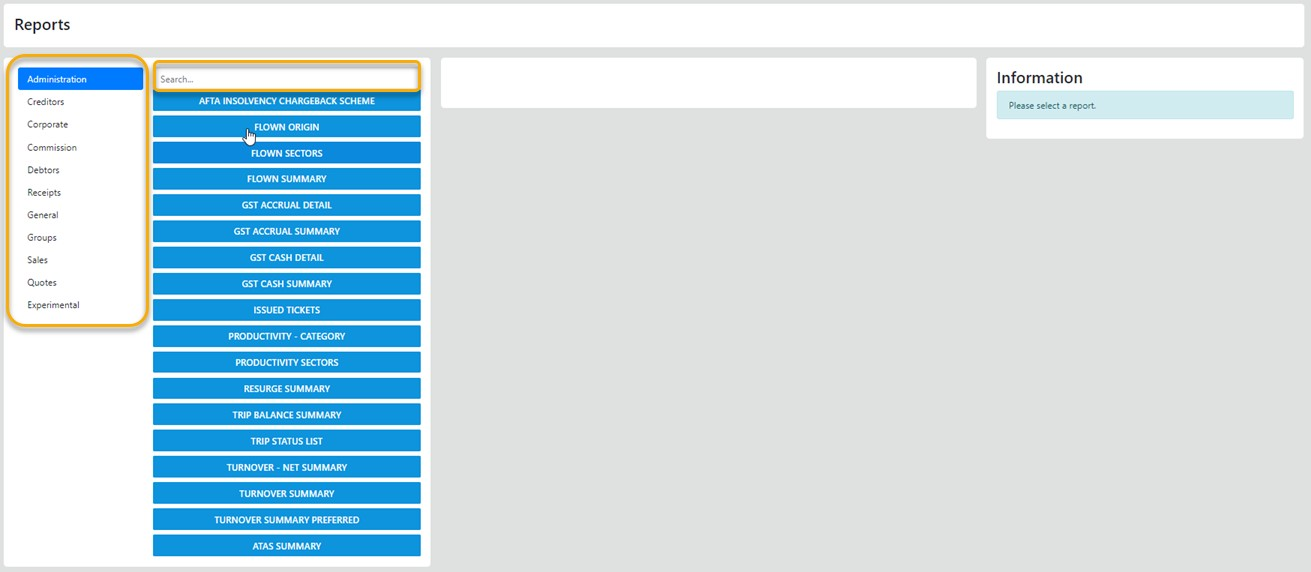
The RED zone are the report modules, the Orange zone lists the reports in the zone and the Search option allows you to search for a specific Report
- Select the desired report group e.g. Administration
- Select the Report
- Enter your parameters
Most reports put the output options under your control via the various but not mandatory select options like Consultant, Branch, Date Range, Payment Method etc
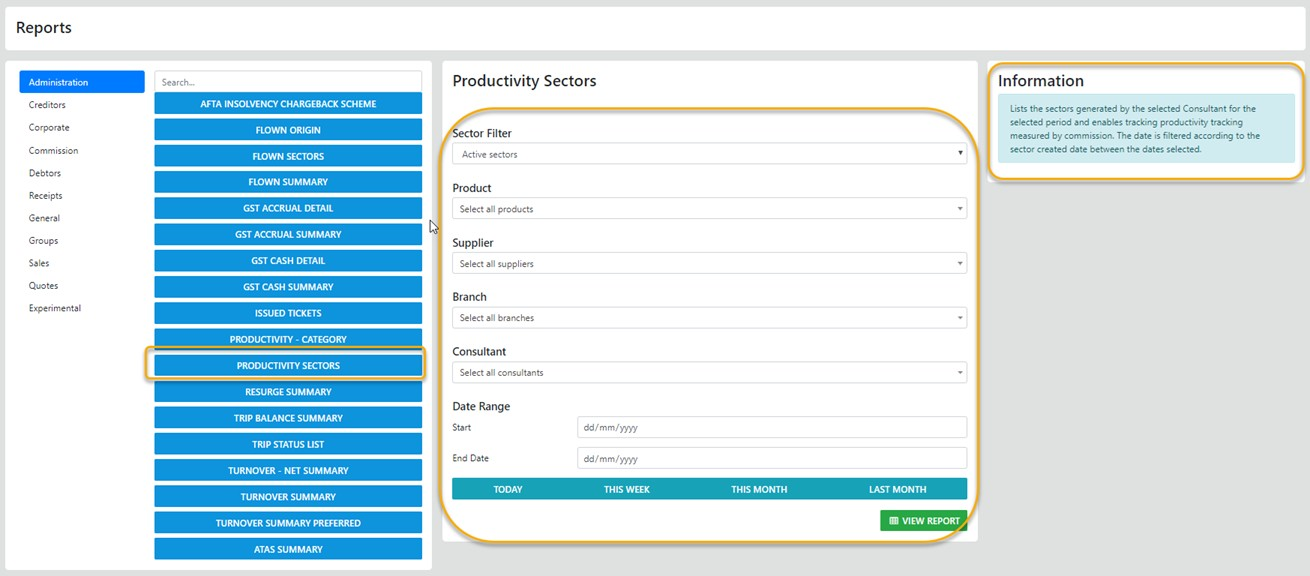
The selection options vary depending on the logical desired output and the users permissions
The sideBar General Option provides access to the Supplier Due Date report
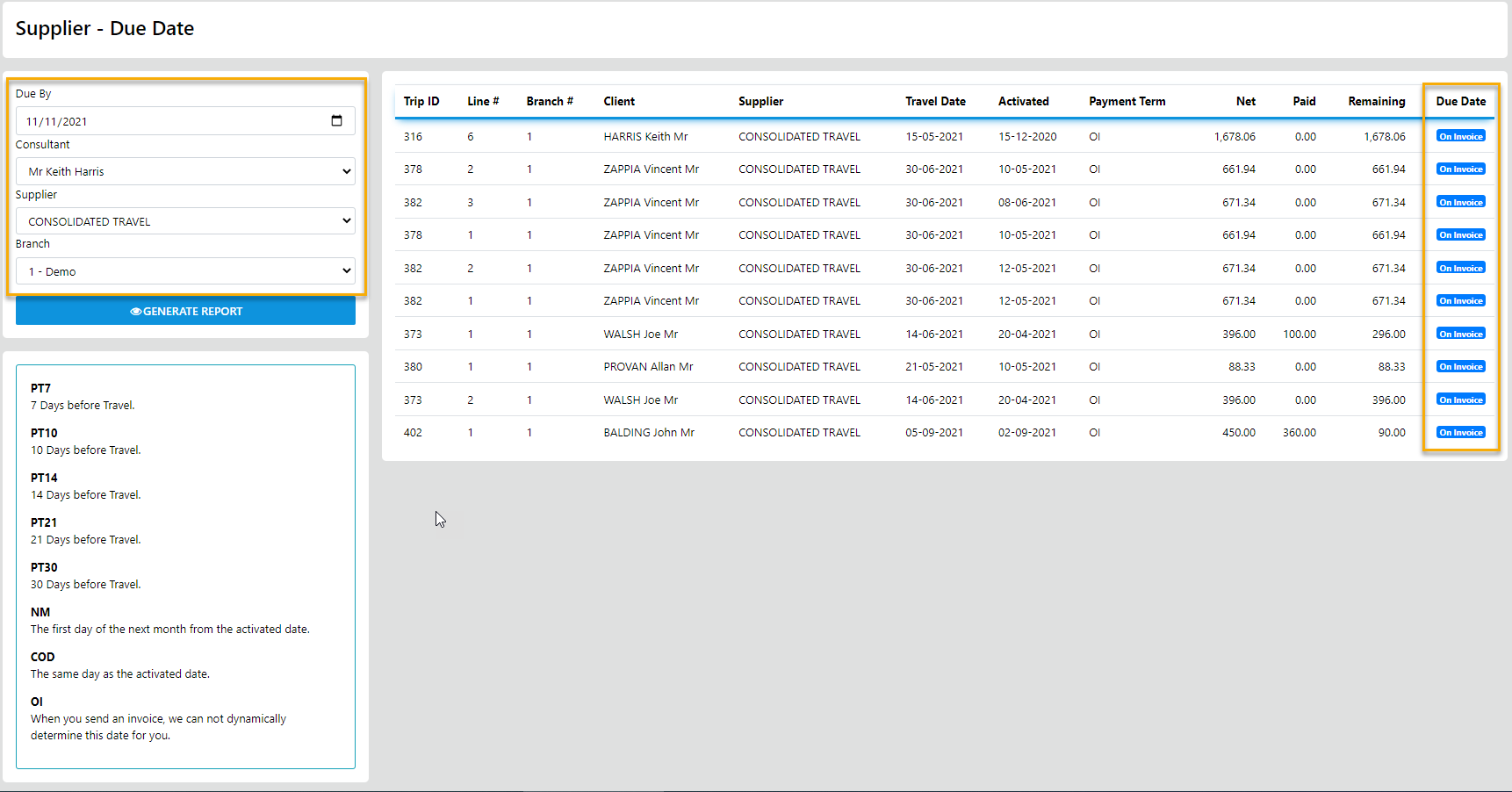
once you select Due Date the following report generates allowing for dateRanging, Consultant, Supplier and branch
The sideBar Accounting Option provides access to the general Trial Balance, Client Debtors and Supplier Creditors
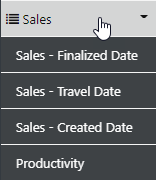
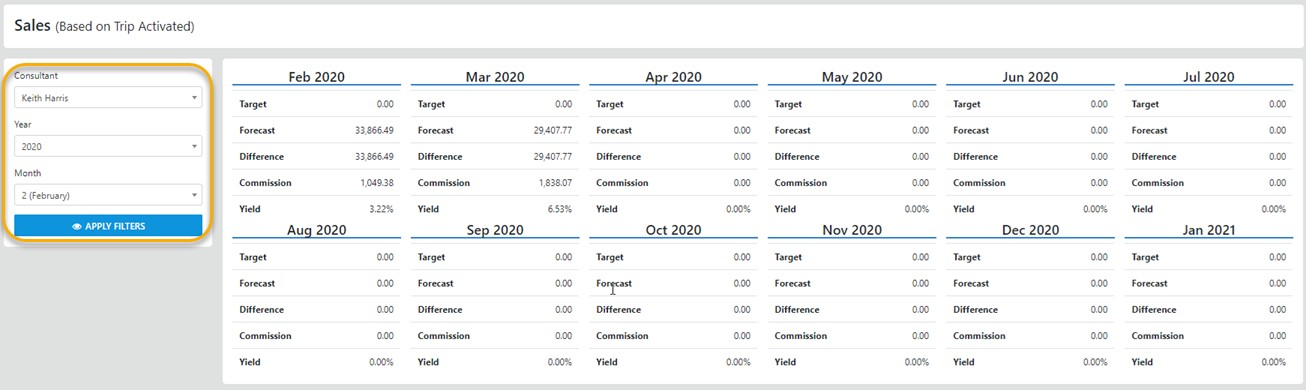
The sideBar Sales option provides access to Sales and Forecast Income based on the Finalization Date for trips
The Sales Travel Date option provides access to Sales and Forecast Income based on the Travel Date for trips
The Sales Created Date option provides access to Sales and Forecast Income based on the Date trip Sectors were created
and the Productivity report allows for reporting on your team as a whole or individuals over a selected date range
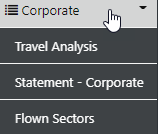
the sideBar Corporate Option allows access to the Corporate Travel Analysis , Corporate Statements and Flown Sectors Analysis
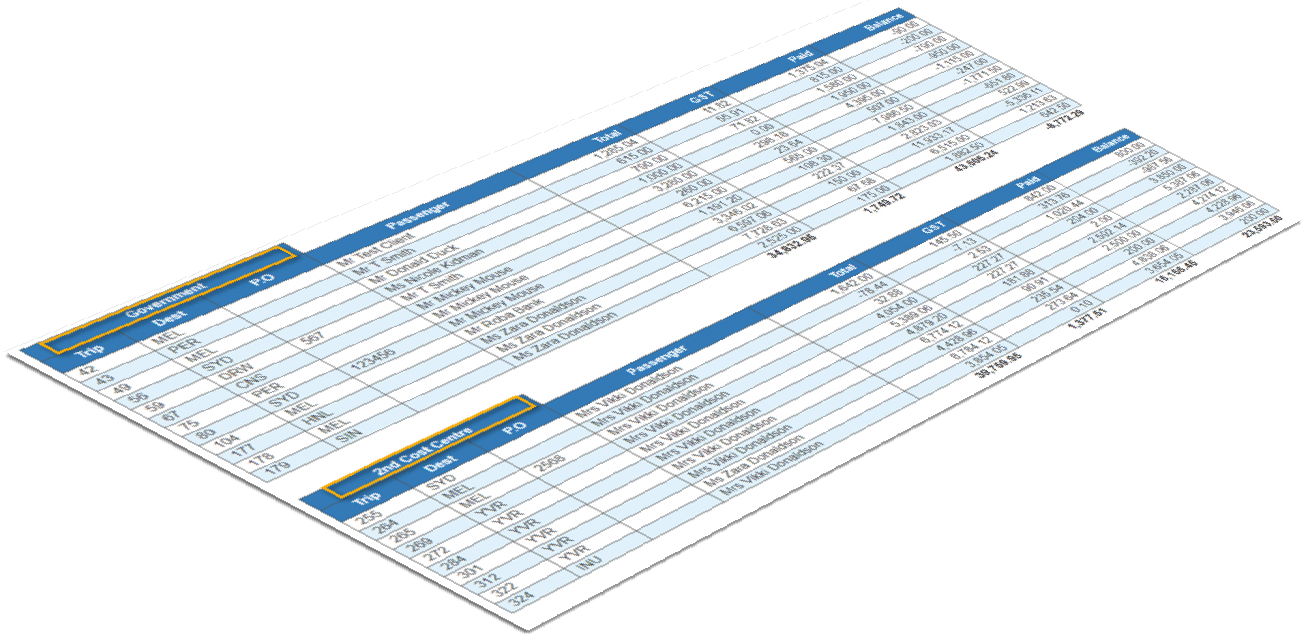
the Corporate Statement has been designed to clearly identify the Trip/Invoice # and all data is grouped by Cost Centre with sub and grand Totals applied