
Trips
The options are


Selecting the desired option provides a quick view of the Last 24 Active Trips OR Quotes Added in VTO ULTIMATE 3 to “Drill Down” to the Trip Details – Select the "Info" tool to the right of the line item.
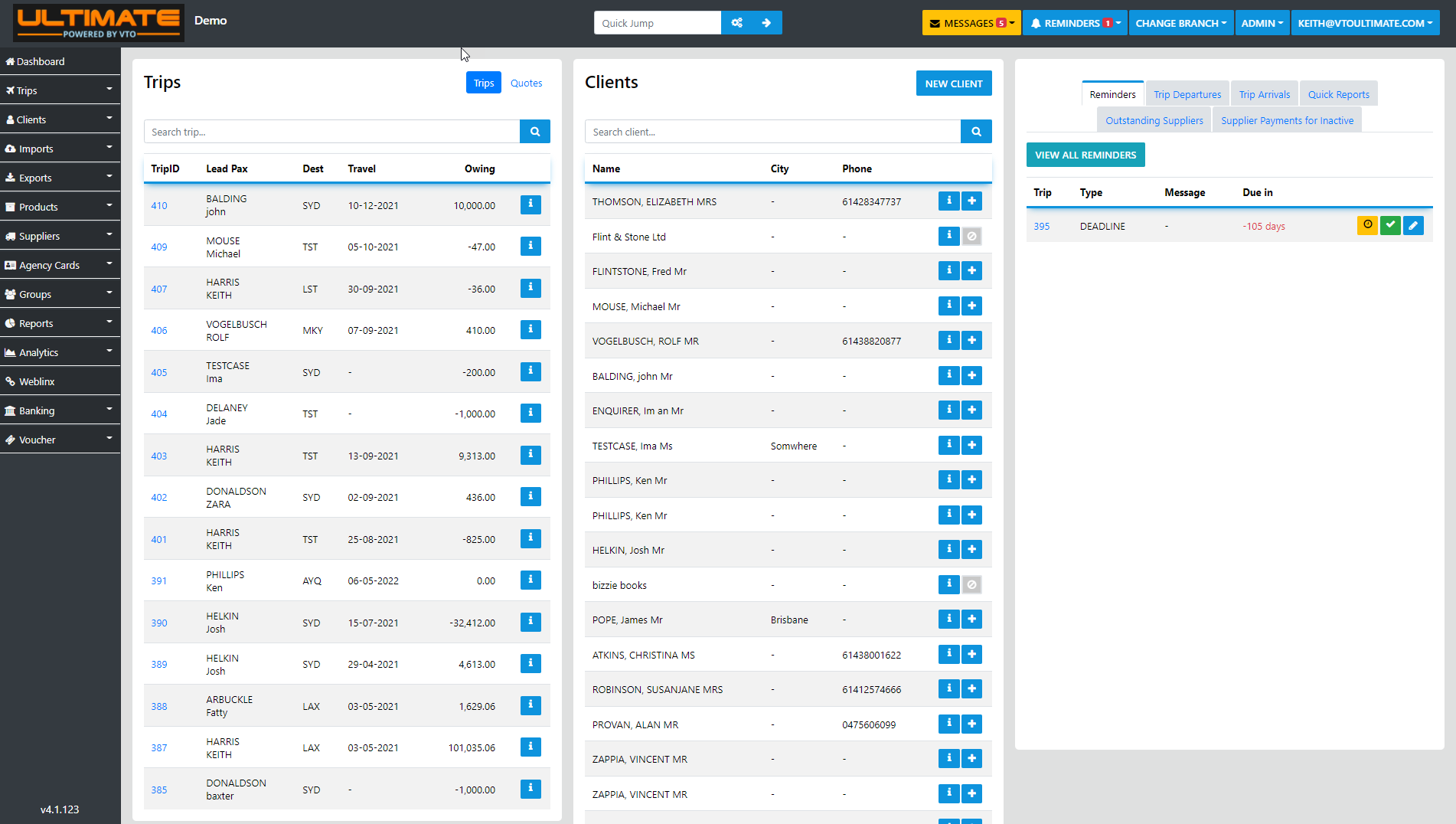
Clients
This Dashboard lists the 24 most recent Clients added to the database, by selecting the "Info" tool you can view the underlying details relating to the selected Client
Select "plane" Icon to manually open a new Trip for the selected client, from there you can add sectors manually or Import a PNR to that trip.
Search - Trips & Clients
This option all for searching by Trip, Client first or last Name or both, Destination, travel Date etc just enter the details in the search bar
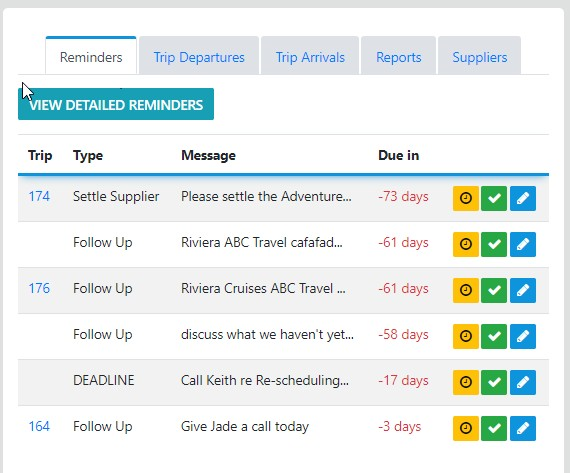
Reminders
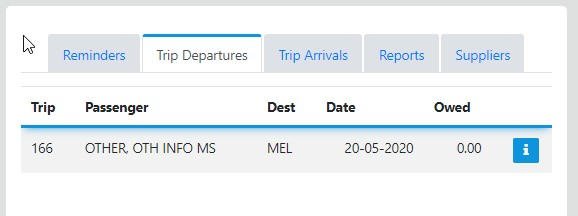
Trip Departures
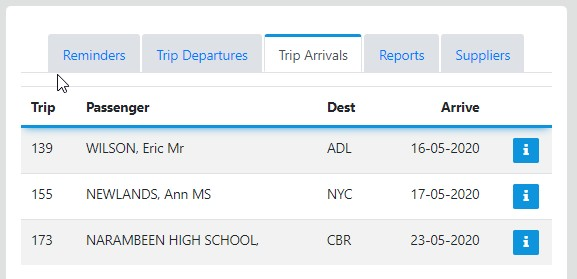
Trip Arrivals
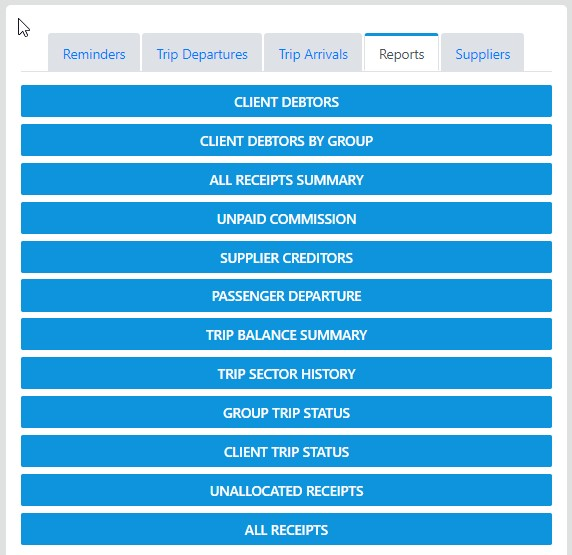
Essential Reports
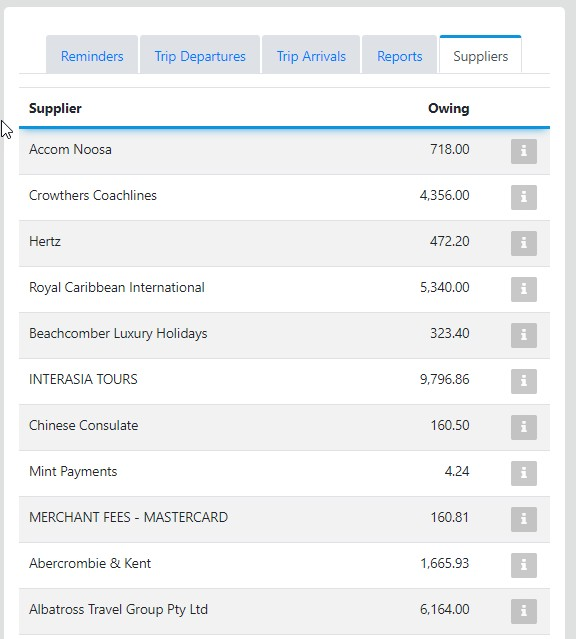
Suppliers
This Dashboard list the eight critical reports for Administrators, Consultants with the appropriate permissions can also access these reports to analyse their own Trip/Client data