
To Import a NEW PNR select the Imports Option from the Side Bar Then select your desired Option
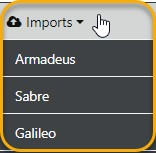
It's important to Note that we have "Normalised" the import process for all GDS's
Next you Select the Client Type the enter the (RELOC) of the NEW PNR you have just created via Amadeus Connect then select Next Step

Next you'll be presented with the prompt to Select which passenger to assign as lead PAX
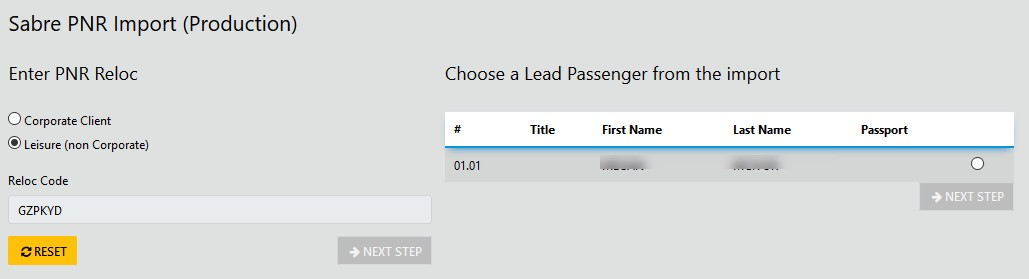
If the Passenger is NOT in your Data Base the prompt to Create New Client will display
Next select "Do Import" and the trip will be created in the name of the Lead PAX
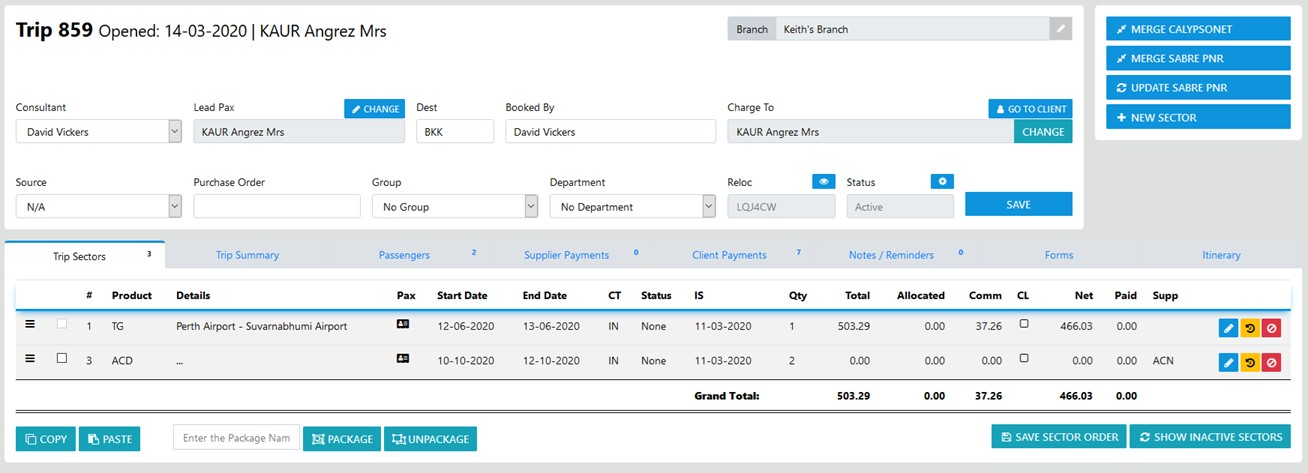
In our completed example above Mr Test TEST was created as the ChargeTo AND as Lead PAX and has been added to the Passengers list
The sector has been created without any pricing as none were included in the PNR