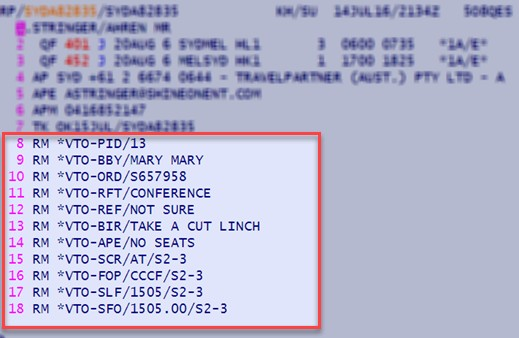
Vto-Amadeus users can set the Sell and Buy Price of any sector/s along with sector and PAX specific Ticket Numbers plus Booking Fees in the PNR, the following is a simple guide using the "Prompting Smart Flows"
In the Amadeus Connect Select Your Smart Flows

Next - Select the Smart Flow Option, Description and Label then enter the desired code, the following example is for Sell & Buy price, Sector Number and Pax Number;

In your office you may have less Smart Flows than our example but you do need "Vto Corp Smart flows", "Vto leisure Smart Flows", "Capture Tickets/Documents", "Add Manual Sectors", "Add Client Profile to PNR"
Select the "Corp Smart Flows" option and the following selectable data set displays
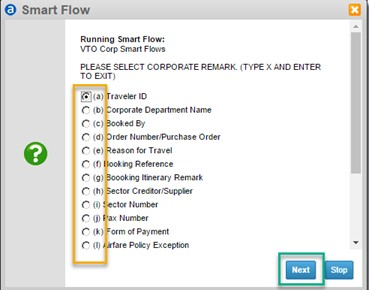
here you can either select OR enter the alpha character which corresponds to function you require
then select Next or press Enter
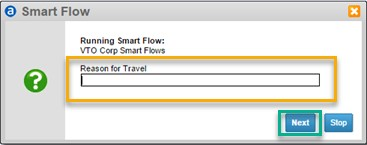
answer the Prompt then select Next or press Enter once you have completed adding remarks to your PNR via the Smart Flows tool your PNR should resemble the following