The Top Tool Bar is visible and accessible regardless of where you are in Vto Ultimate

The Options here from right to left are

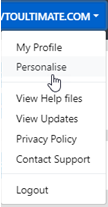
includes access to (My Profile - View help Files - View Updates - Privacy Policy - Contact Support - Log Out)

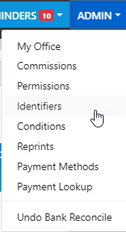
includes access to (My Office - Commissions - Identifiers - Conditions - Reprints - Payment Methods - Payment Lookup - Undo Bank Deposits - Undo Bank Rec)

Only displays where Multi Branch is applicable

Includes access to current reminders - Add New Reminder - Quick View - Detailed List
Flashes burnt yellow and indicates the number of messages from Consultants / Managers / Brokers / Other Branches under your office AND Clients via the Client Portal
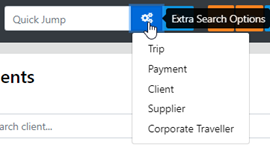
To Jump to a known Trip, paymentID, Client, Supplier and Corporate Traveller just enter the required info then Select the desired option and press enter or select to Jump to the Result
The details of the selection will display
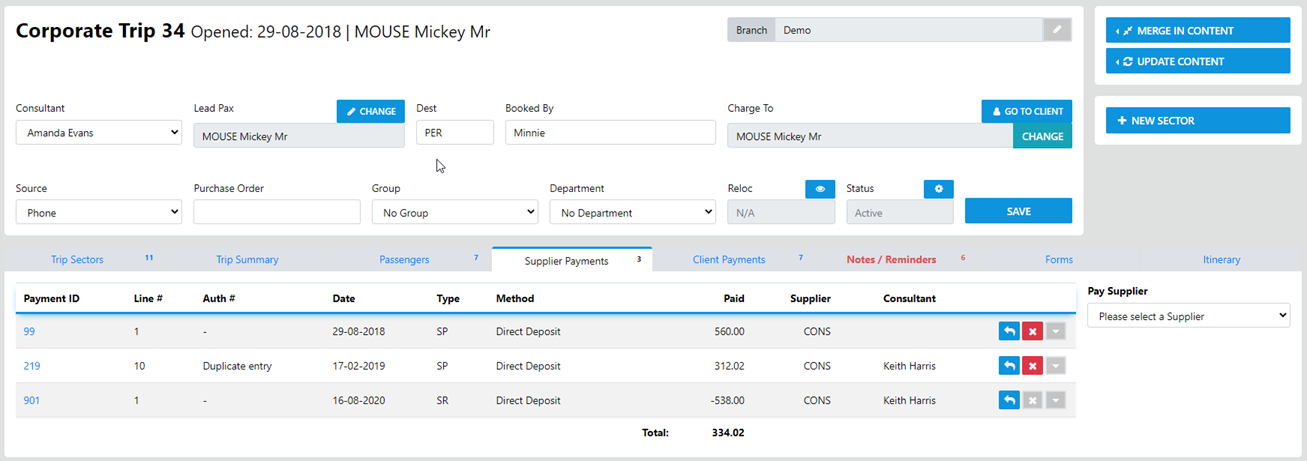

This button gently rocks and displays in RED if and when there is an Alert associated with the Consultant logged in, simply select the bell symbol to view the alert
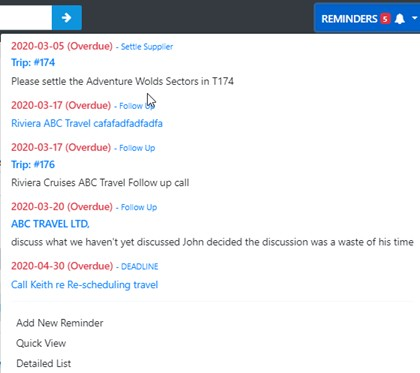
Just click away from the display to close the reminders
To access the Management Console select Admin

access to the various zones under Admin rely on the permissions assigned to the logged in user.
To Change Branch (Multi Branch Only) simply select Branch
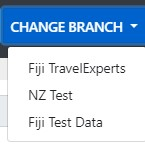
then select your desired branch (your office needs to have Multi Branch functionality and user access is restricted by permissions)
To view your profile, view Help Files, View the Latest Updates, Check our Privacy Policy, Contact Support or just Log Out of VTO Ultimate Select the Icon bearing your Login details