

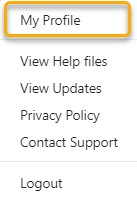
Select YOUR Login Option from the top tool bar - then select My Profile
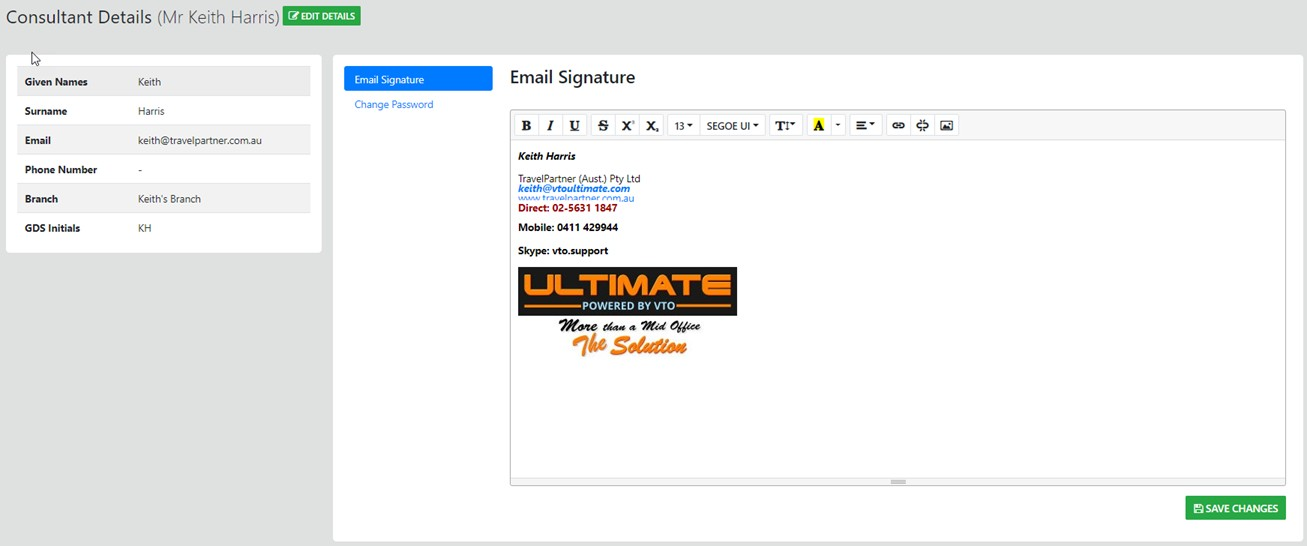
to access and Update the Consultant Email signature Select "Email Signature" any change you add here will be output on all emails sent from within ULTIMATE
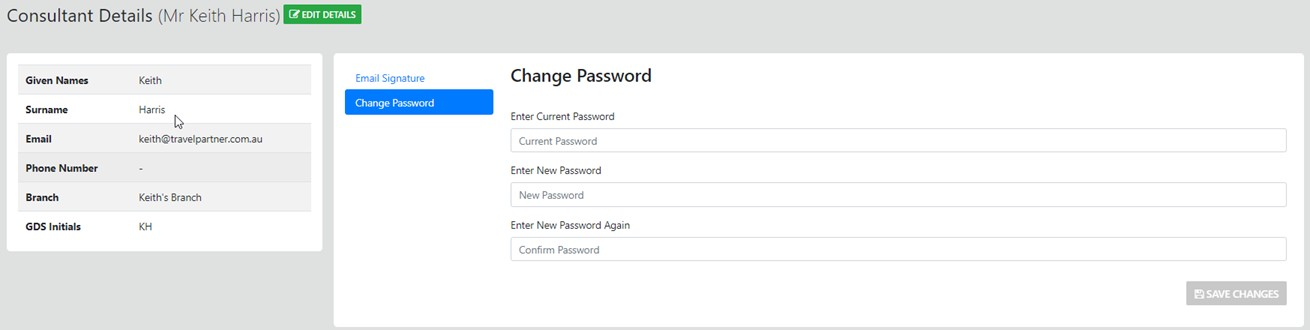
Next ... select the "Change Password" option and update your current password if desired
Select YOUR Login Option from the top toolbar - then select My Profile
to access and Update the Consultant eMail signature Select any change you add here will be output on all emails sent from within ULTIMATE
Next ... select the option and update your current password if desired