
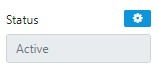
By default Trips created from a GDS PNR which have not been Ticketed are created with the status set to "Quote"
similarly manually created sectors default to "Quote" with the option at the time of creation to set the Status to "Active"
After the Creation of the Trip you can choose to apply any of the following Options but take care to note the Status change Warnings.

To Change the Status "in-trip" simply select the "Status" function key the select the desired status from the following options
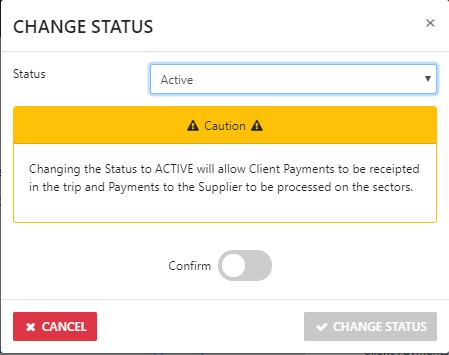
You can Change from "Active" back to "Quote" ONLY if No client payments have be receipted in the Trip AND no Payments to Suppliers have been applied to the trip
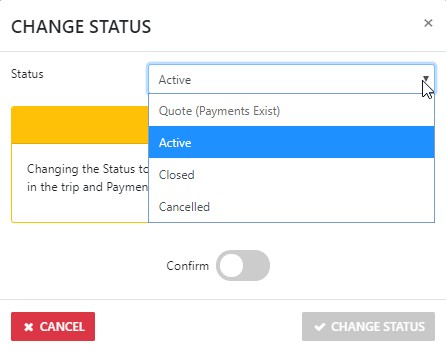
ALWAYS take heed of the applicable Status warnings
Trips can be Cancelled however you need to take note of the specific requirements to complete such an action
Where you are uncertain of the potential outcomes ... please call support