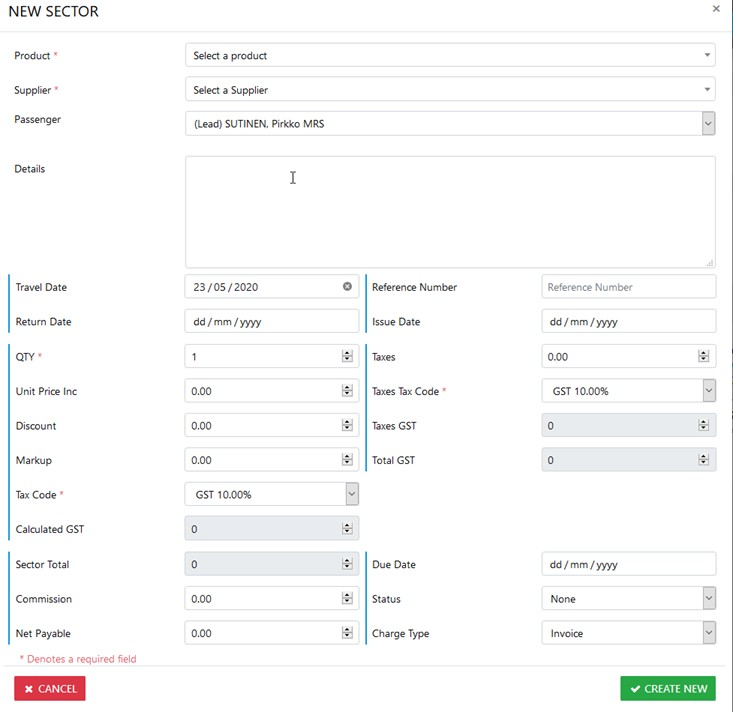
Create / Add a New Sector Manually
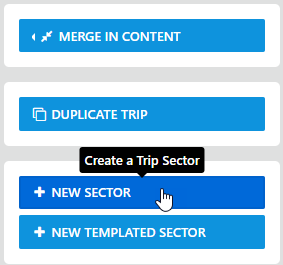
To ADD/Create a NEW trip sector manually, from within the trip select the New Sector option and the details form will display as follows:-
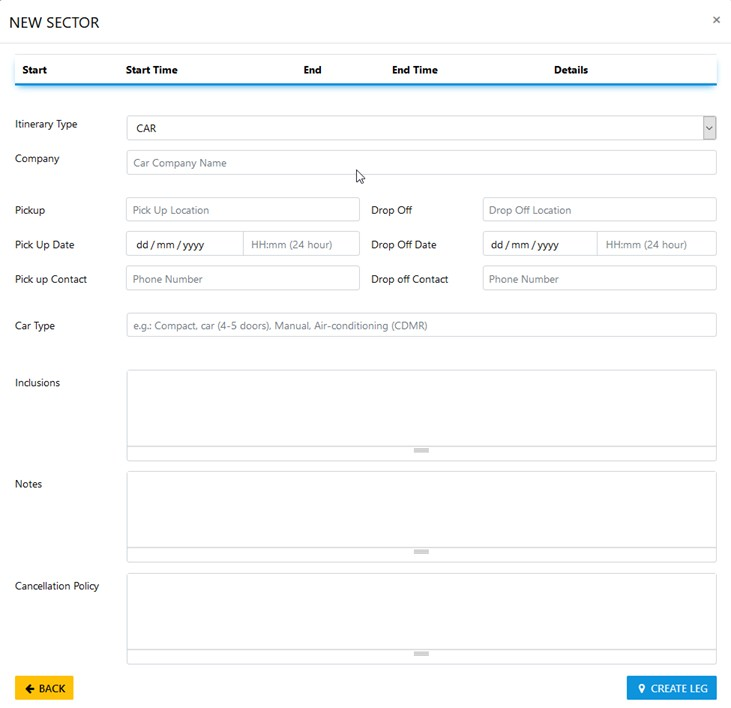
on selecting the desired Product (e.g. Hertz) the itinerary builder will display allowing for completion of Itinerary data as follows:-
One you've completed the Itinerary information you have the option to Create Leg (meaning create this leg) then select Back to Save the data and return to the New Sector form
If you select Back before selecting Create Leg the itinerary data will be voided and returns to the New Sector form
Add your Supplier for the Sector along with the remaining details as required then select Save Changes and you'll be returned to the Trip Module