To remove a sector from the display grid select the icon
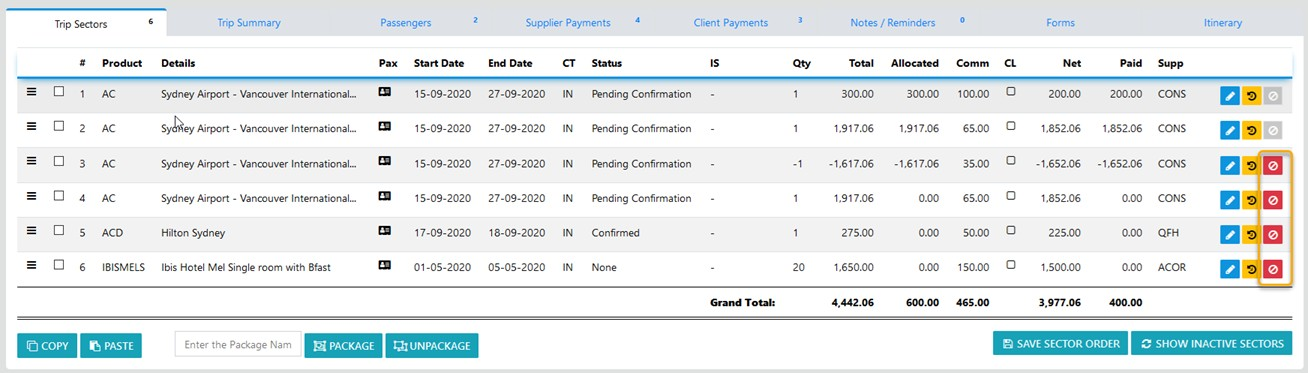
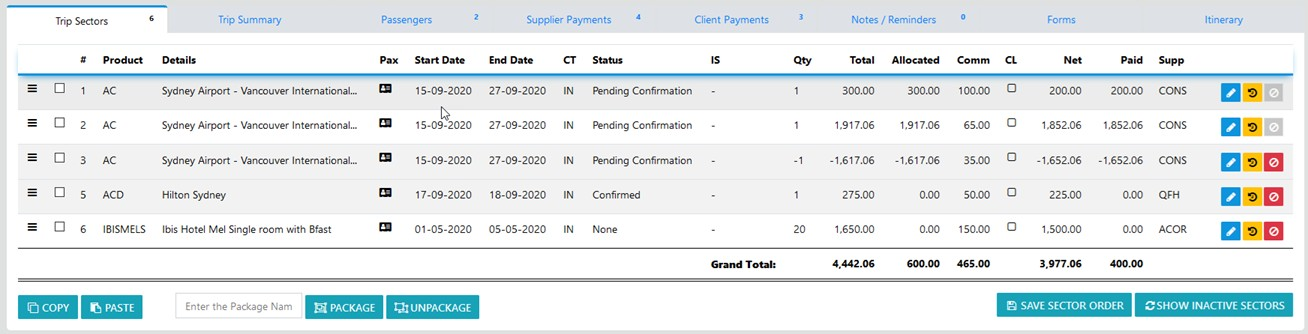
Note: the icon displayed indicates that no funds have been applied to the sector - action this option and the sector will be hidden
When a sector or sectors have been reversed or hidden the "Toggle Hidden" option is displayed - select it and the reversal is displayed with values scored through
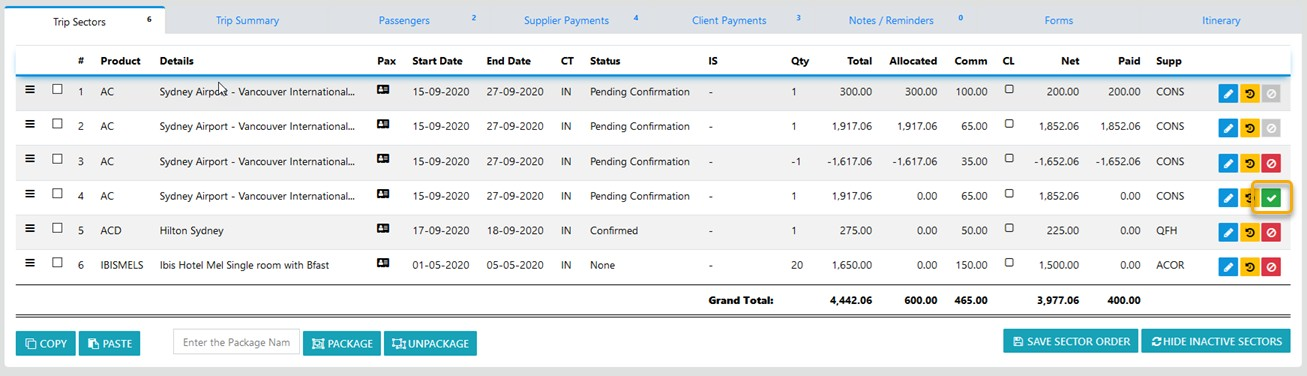
Select the icon highlighted in green and the following prompt will display and the sector will re-display
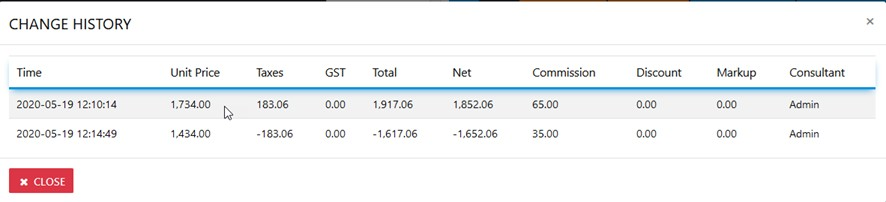
To view the Sector Changes History select the to reveal all changes