
Creating Passive (temporary) Packages

ALL versions of Vto allow the user to create "Passive" (temporary) Packages
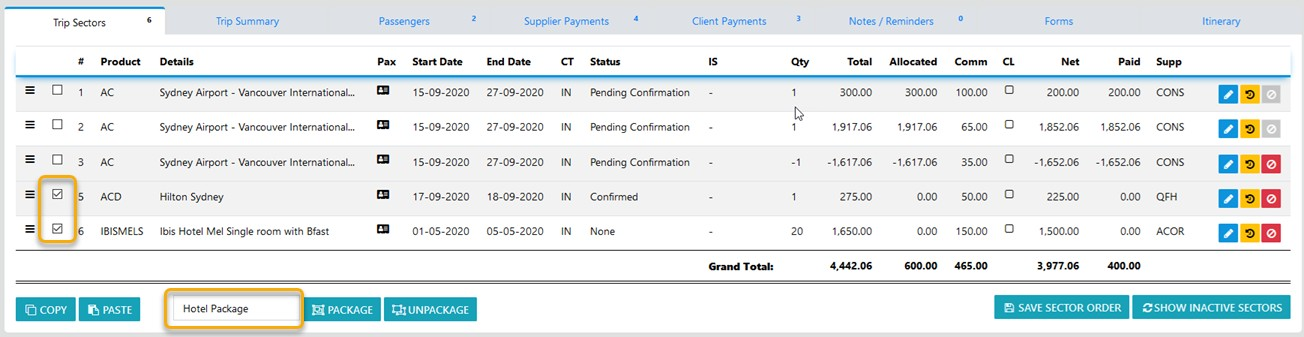
By selecting the "Check Box'" adjacent to the Product on the sector line for each of the products you want as a "Passive" package, Enter the Package Name of your choice then select "Package"
and the following packaged view is displayed - from here you can Expand the selection to view the line items by selecting the expander
You can UNDO the Package by selecting the unpackage tool
By doing so the Invoice displays with the associated pricing for the selected group of sectors summed as the one price.