
To Edit the details in the Itinerary select the Itinerary TAB
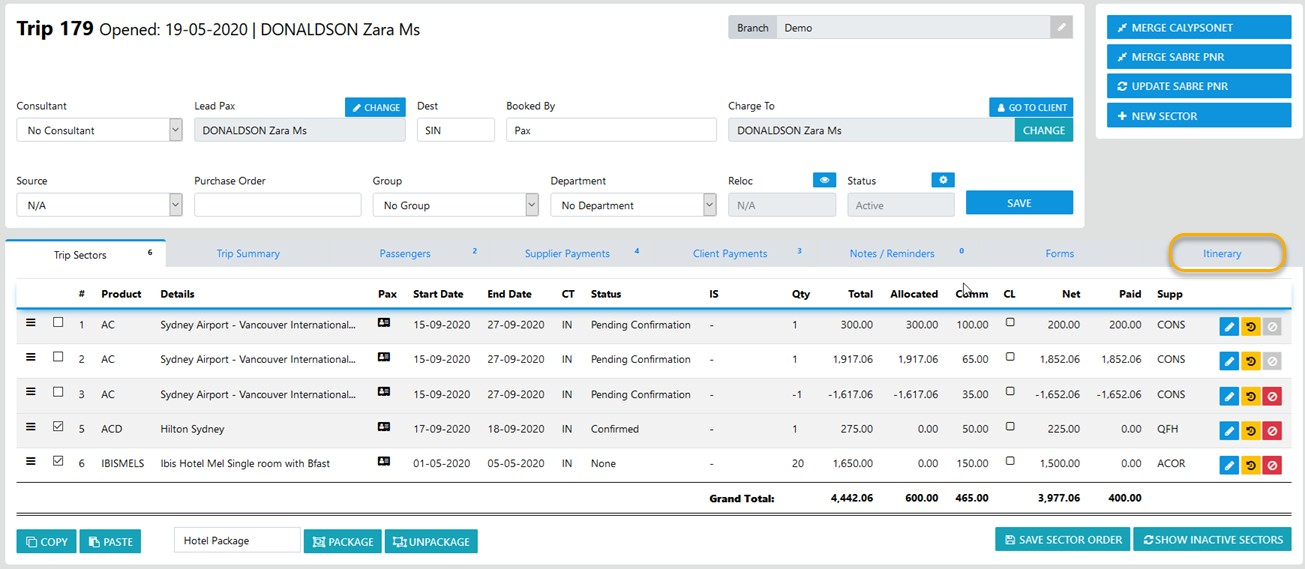
and the underlying Itinerary sectors will display -
you can change the display/ sort order by selecting the = option and push the sector into the desired position then "Save Order"
to DELETE the itinerary sector select the X
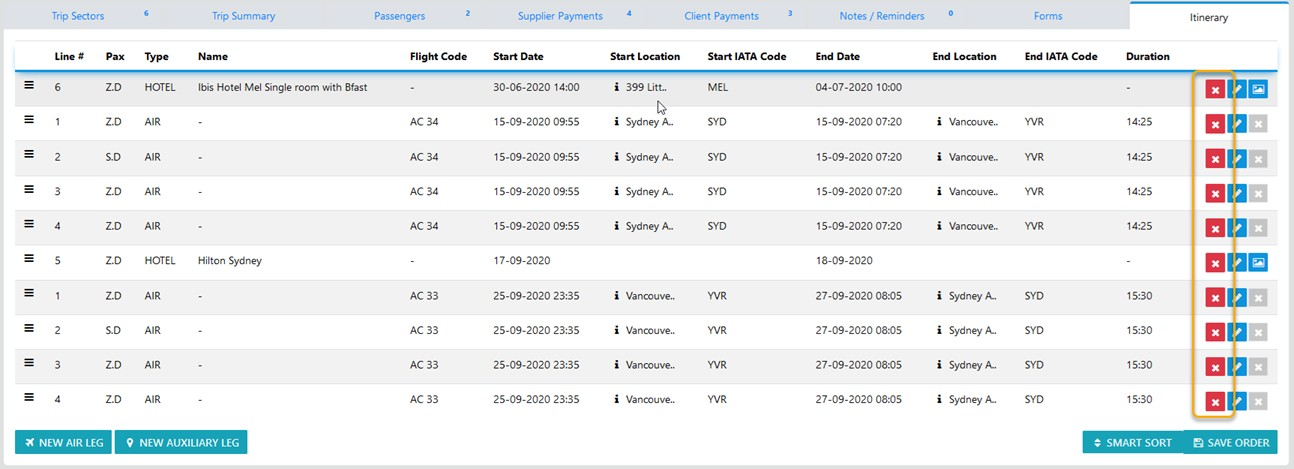
to EDIT the Itinerary sector use the / then make your desired adjustments
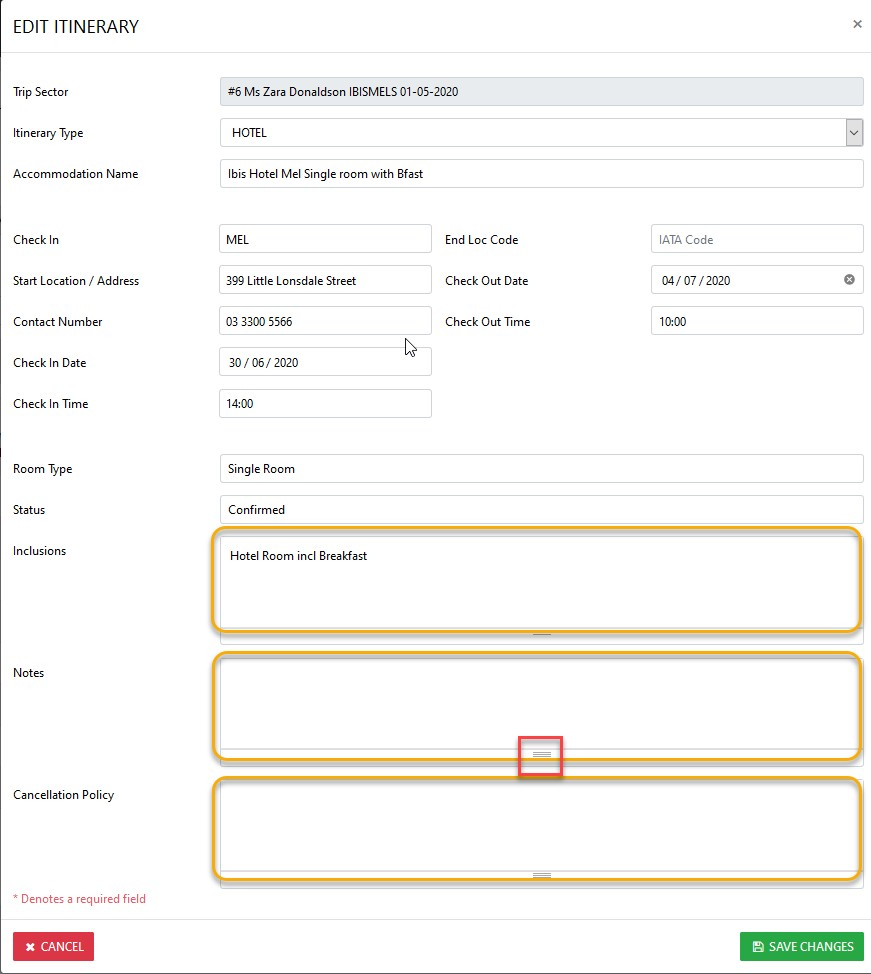
On completion of editing the details to your requirements select "Save Changes"
additional options include - "New Air Leg" and "New Leg" for non air segments