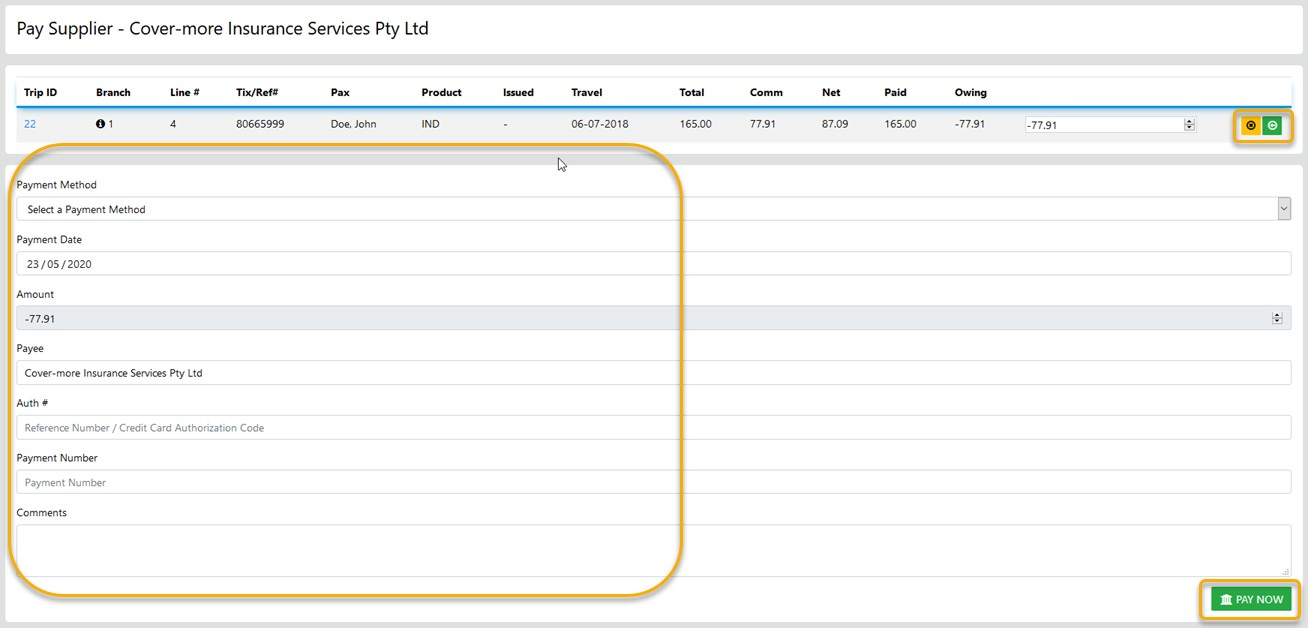
Receipting funds from a Supplier is a simple as selecting the line item displaying a negative value the select the method applicable and the value of your selection will display as a negative amount
this will be processed as funds receipted once you select Pay Now
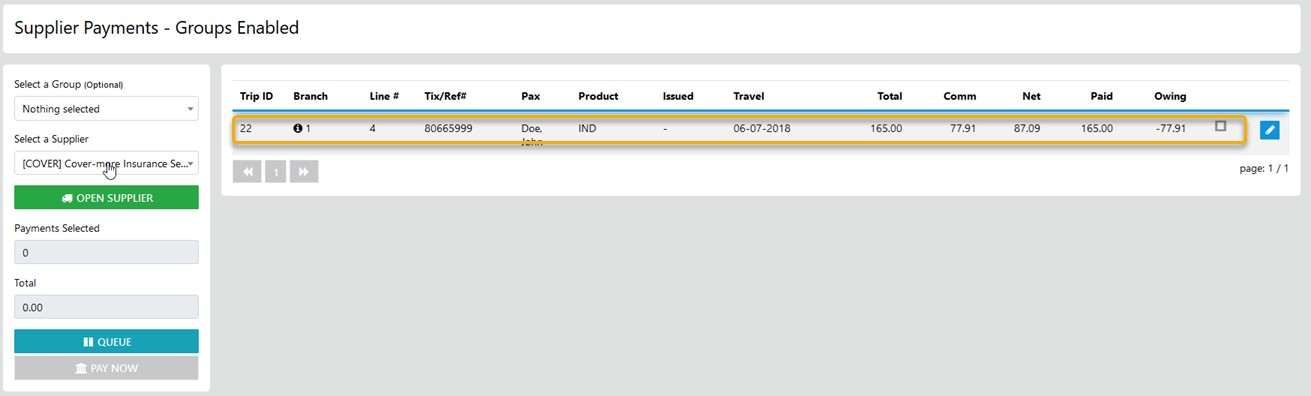
Note: Select the Column labels as in Trip, Ref #, Product etc to sort by that selection
Next - you may choose to Que the payment for later processing by selecting the Option
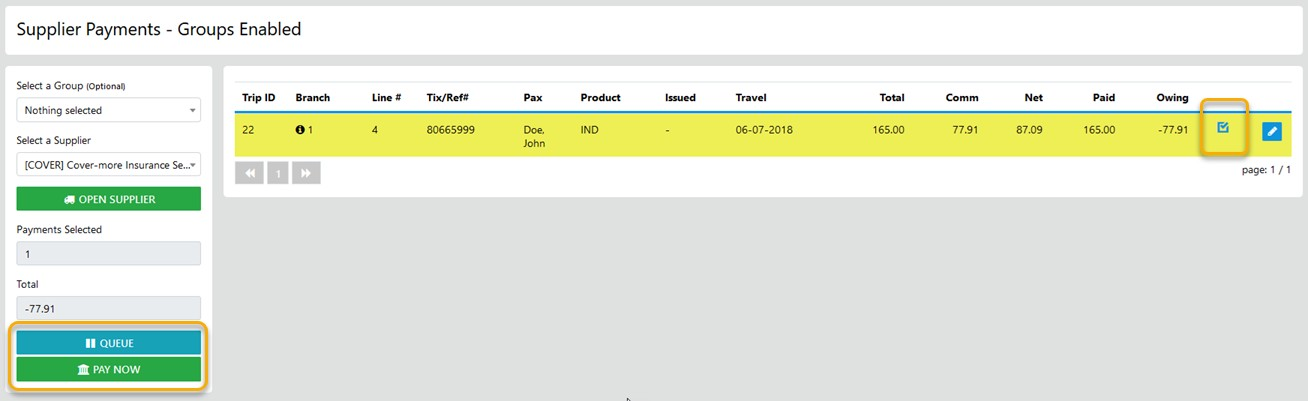
OR - select to progress to the final stage of the Payment/Receipt