
Receipting Client Payments - sidebar Option
Client Payments can only be receipted from the sideBar by selecting client then the Pay Now option
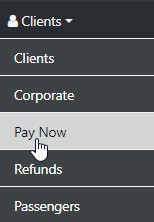
Select Pay Now and the following will display
The Choices offered depend on the modules subscribed to - By default Client or Trip And Corporate if Subscribed
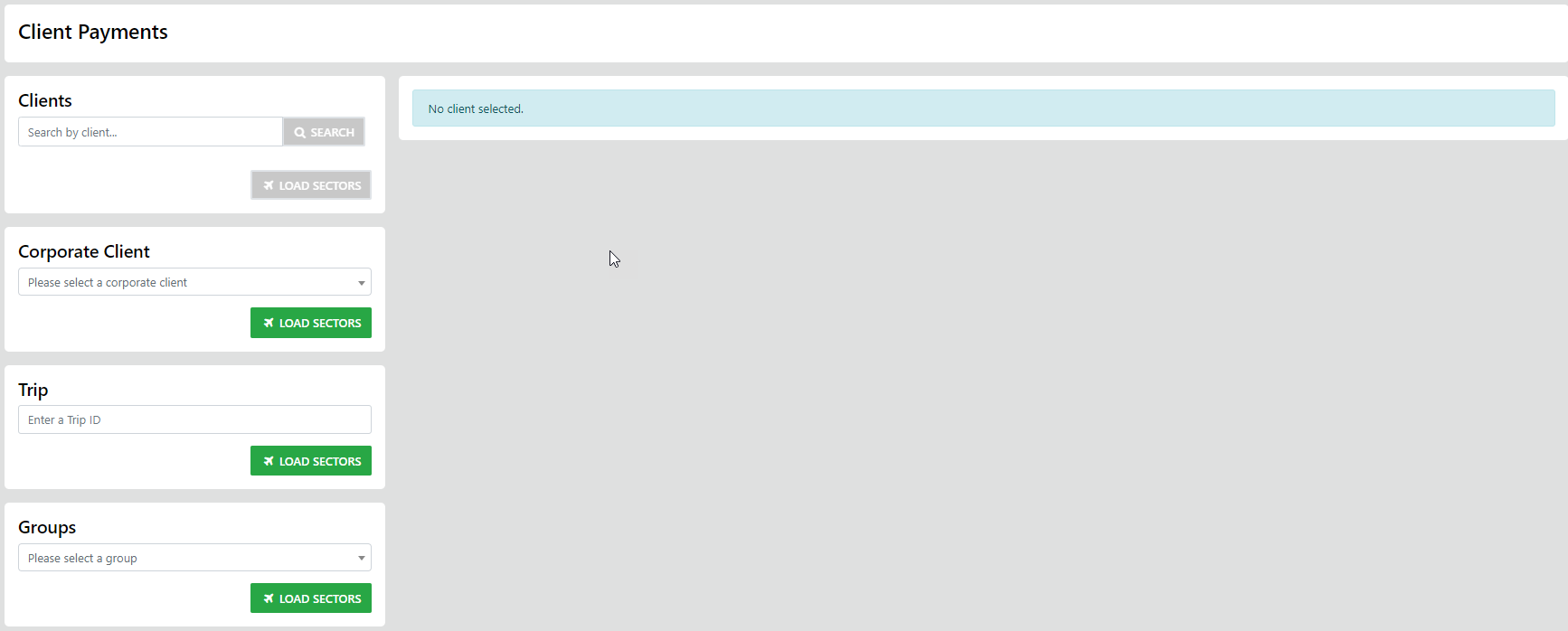
Select from the List Box - then select the trip sectors you want to settle either in full or partially
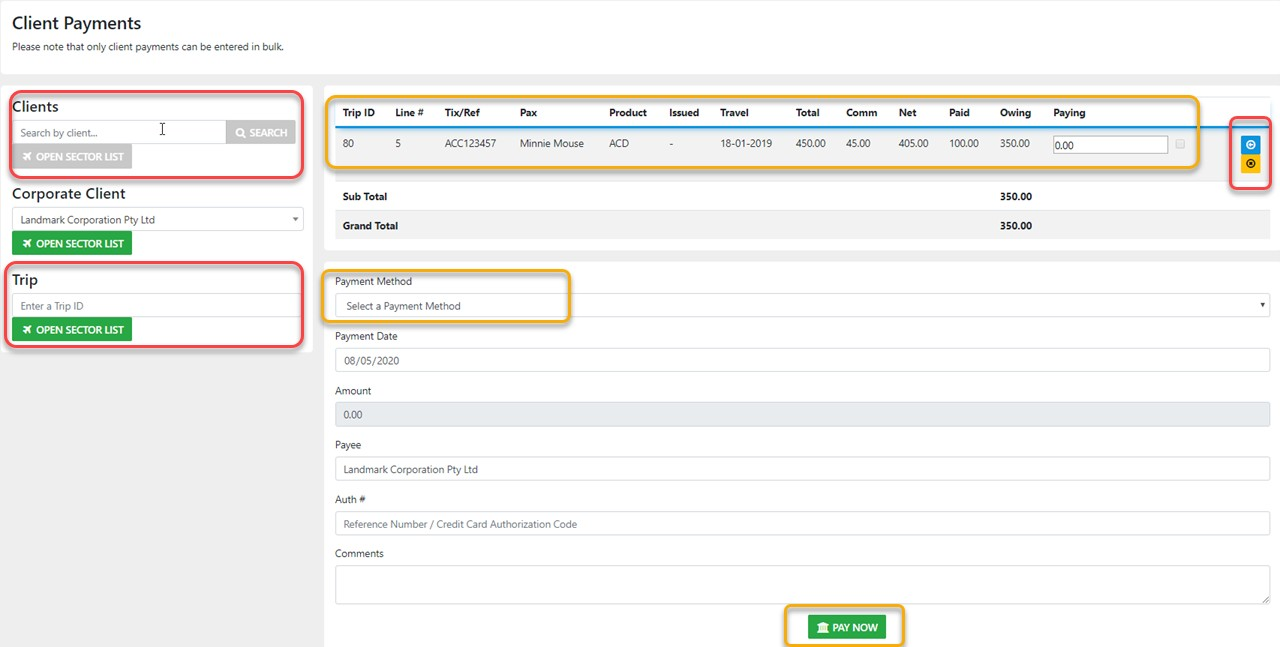
double check your selections then - select "Pay Now"
Using this option from the sideBar allows for Multi Sector or Multi Trip settlement and auto allocation to the selected trip sectors