This option should only be used for uncommon forms of payment e.g. Q Card or JCB and the like
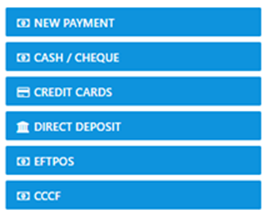
Select the "Payment" option and the following form is revealed with a summary of the Trip for the selected client
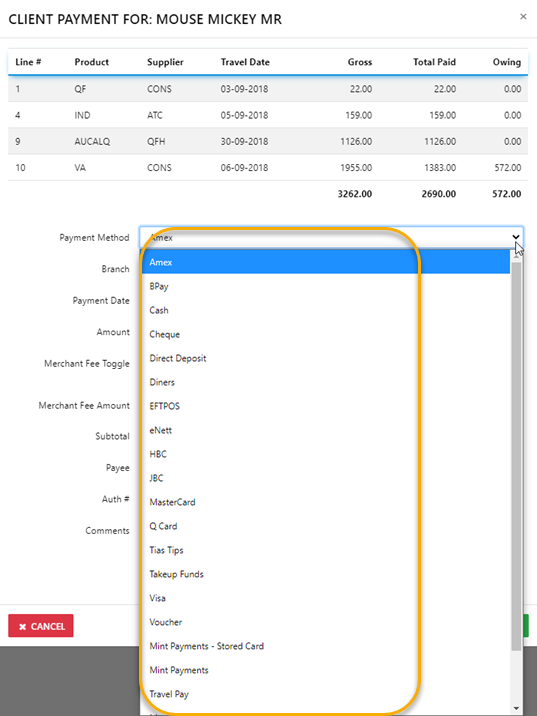
To process a payment start by carefully selecting the Payment Method
then proceed to fill in the appropriate fields with the required information
select "Save Changes" to complete the receipting process and the receipt will generate
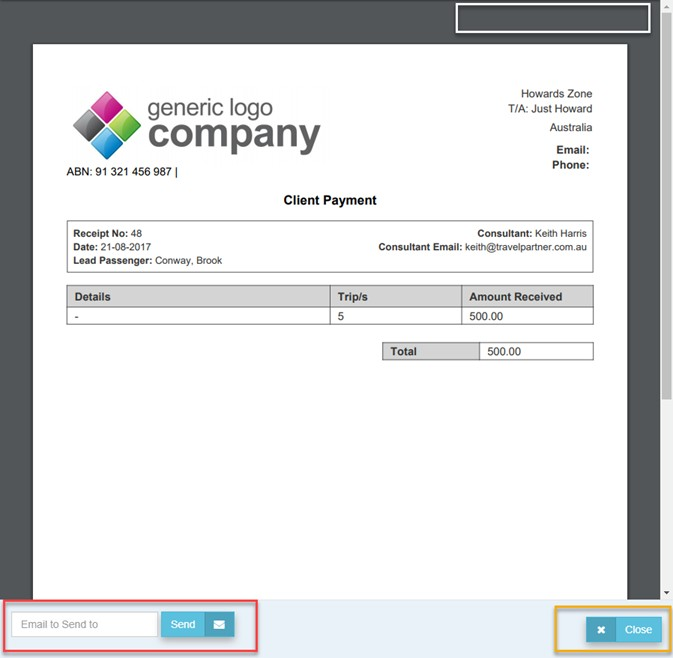
Select the "Print Icon" to perform that function then Close the form by selecting the X Close
Email the receipt to your client by selecting the Send option