Select the Itinerary TAB to view and re-order Itinerised sectors
 | To change the order for a sector select the icon and drag the sector to the position you desire the Save Order |
 | To delete a Itinerary leg select the icon |
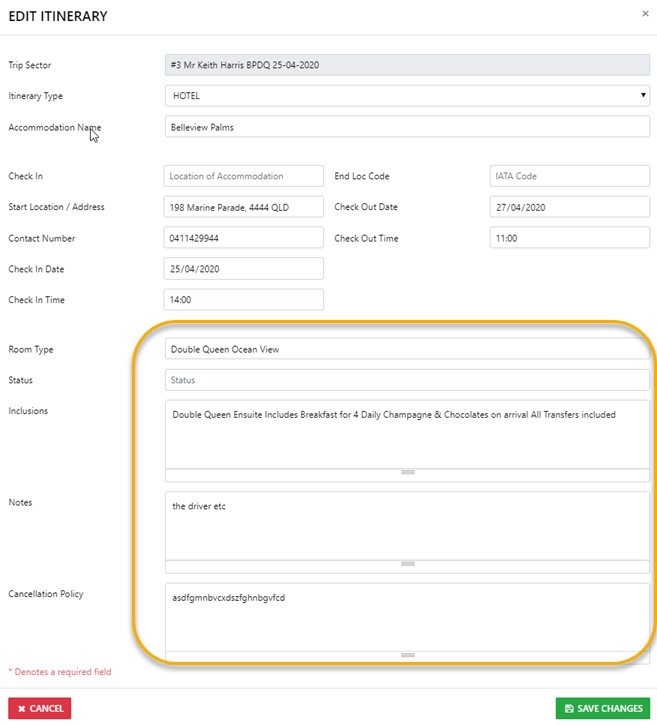
 | To edit detail contained in the Itinerary for the sector select the edit icon |
 | To ADD a picture of the Room etc to the Itinerary select the Picture Tool |

To ADD a leg to a Multi Leg AIR sector select the New Air Leg option
To add a extra leg to a sector use the New Auxiliary Leg option