Prerequisites
1. Your Agency needs to be registered with eNett
2. eNett must supply VTO your ECN and Connection Keys
3. You need to Update the Supplier Profiles in VTO with the appropriate Supplier ECN
4. Your agency needs to sign off on the VTO Ultimate Disclaimer regarding use of the VTO eNett Gateway
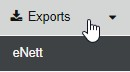
Once all of the above have been satisfied access to the eNett Gateway from the sideBar will be displayed under the Exports Option
Before you begin using the eNett Gateway you need to ensure that ALL of the Supplier Profiles you pay via eNett are updated with the correct ECN code,
they can be verified via the sideBar Under the Suppliers Option
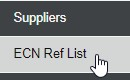
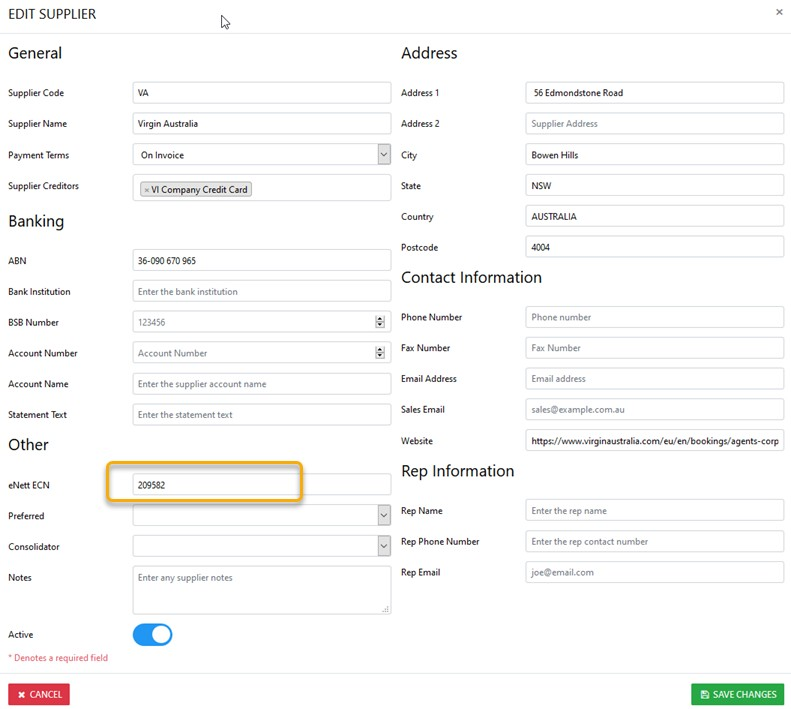
To Update the Supplier profile with the appropriate eNett ECN - Select Suppliers from the sideBar then Suppliers
Next - Search for the desired Supplier and update the eNett ECN field and Save the Changes