
Import Vto Commissions to MYOB
Importing Commissions:
From the MYOB Tool Bar – Select "File – Import Data – General Journal Entries"
Then set fields in the following screen as indicated
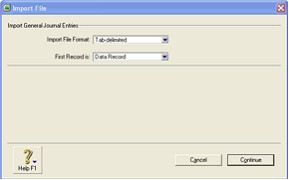
Once you have set the fields as indicated above select "Continue" then you should select the following screen from the "list box"
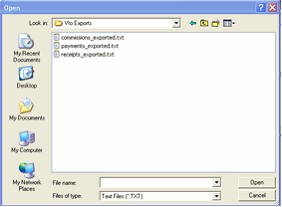
Select the file commissions_exported.txt (or your saved version of it) and the following screen will be displayed
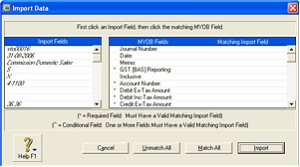
Now all you have to do it select "Match All" then select "Import" and the commissions will be imported (Credit 4-1100 Domestic Commissions) (Credit 4-1200 Intl. Commissions) (Debit 2-9900 Vto Control Account)
Should you need to Re-Import the same file CHANGE the Duplicate Records Option in Screen 1 to "Reject Them" this will prevent any successfully imported data re-Importing.