
You now have the ability to settle your Suppliers that are signed on to the TravelPay B2B Gateway via the sideBar in Ultimate.
First and foremost you need to note that payments via this gateway are LIVE payments (not just a record of payment)
Step One
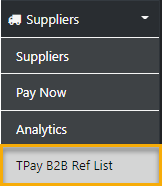
from the sideBar in Ultimate select Suppliers
then select TPay B2B Ref List
and the complete list of Suppliers subscribed to the TravelPay B2B Gateway will display
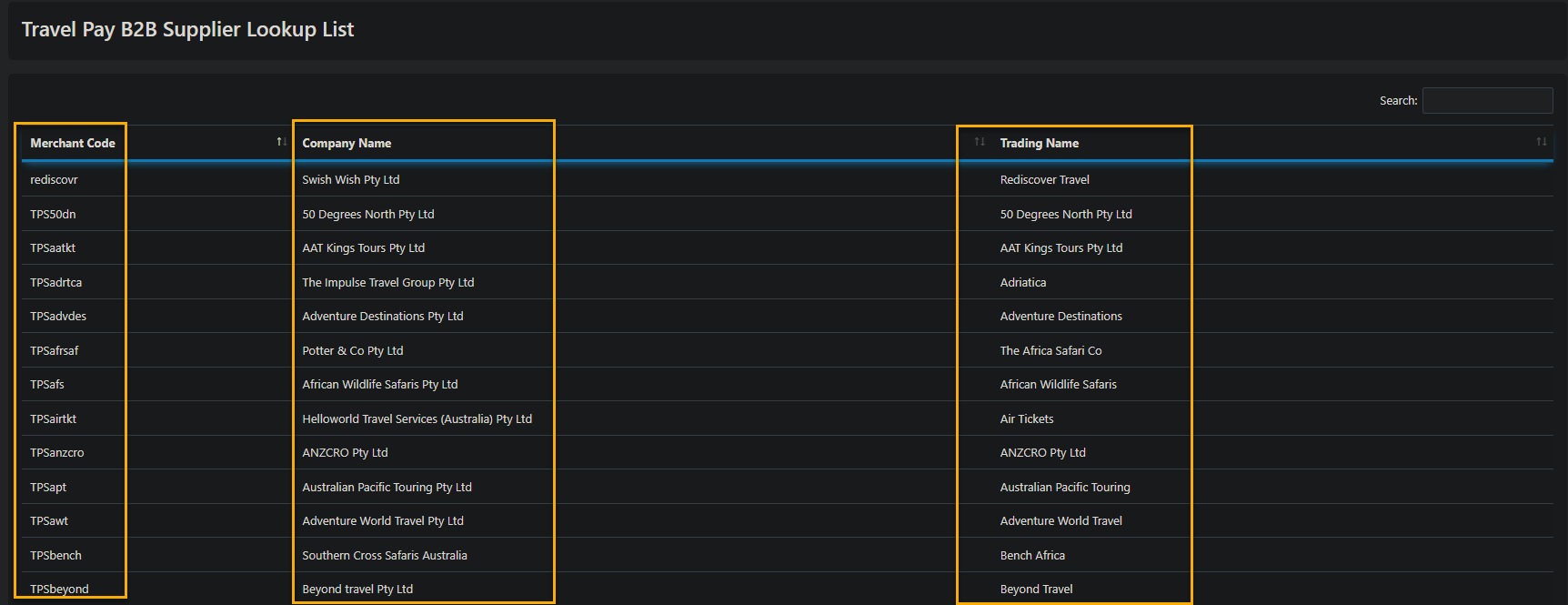
currently there are some four pages of travel Inddustry Supplier subscribed
Step Two
Copy the Merchant Code (CTRL C)
Then Select the Suppliers Option (sidebar) and Search for the desired Supplier
Drill down into the Supplier Profile and Paste (CTRL V) the Merchant Code into the TPay B2B Code Field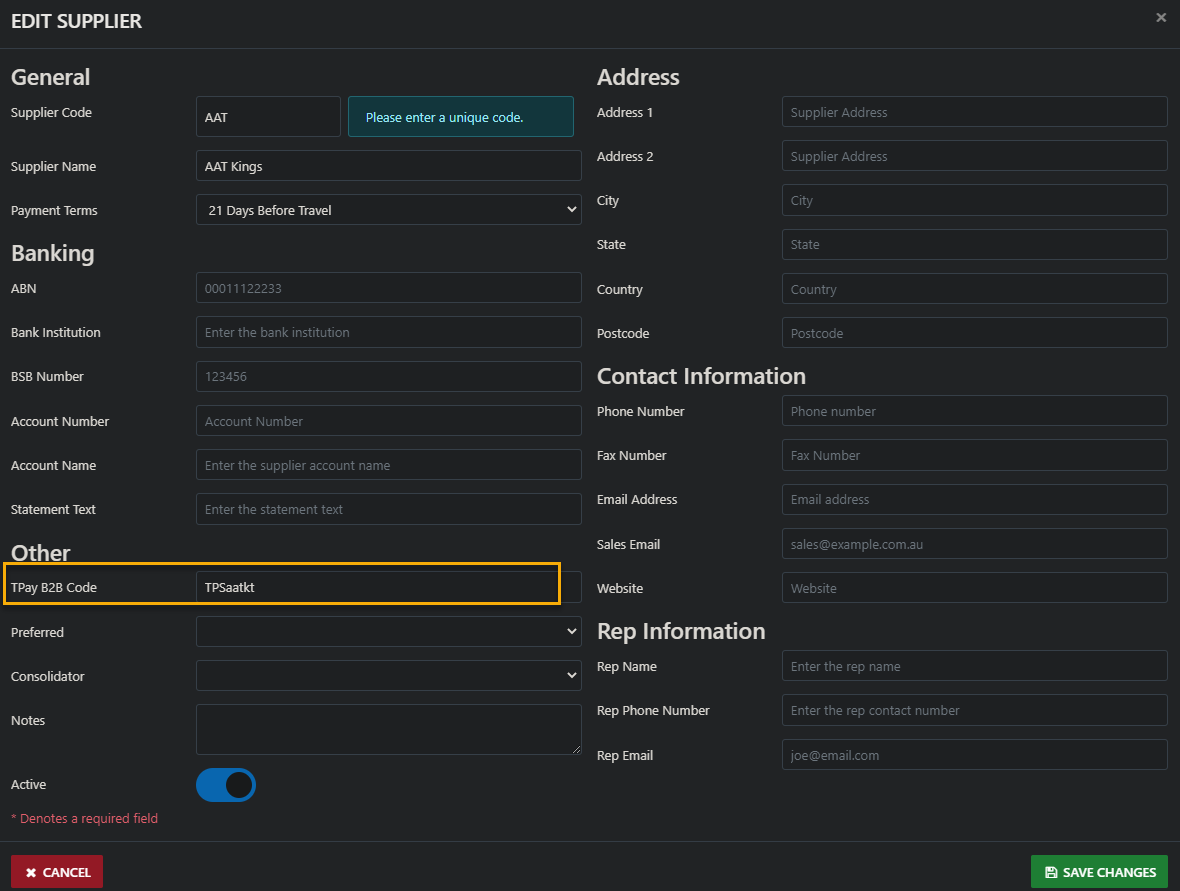
Repeat these steps for ALL of the Suppliers you intend to Settle via the TravelPay B2B Gateway