
CAUTION - these are real payments (not just a record of payment)
To pay your supplier using the TravelPay B2B Gateway option in Ultimate do the following
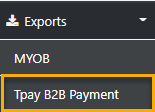
From the sideBar select Exports
then Select TPay B2B Payment
Next Select the required Supplier from the list Box
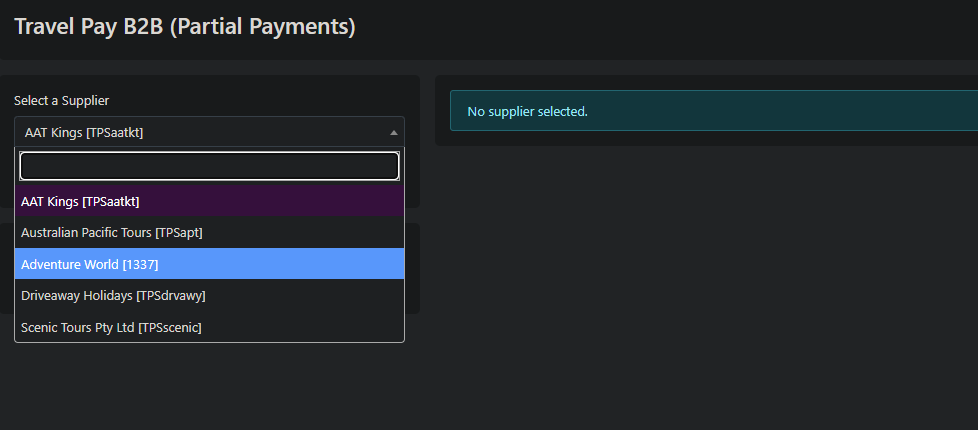
then select "Open Supplier" and the list of sectors requiring payment will display
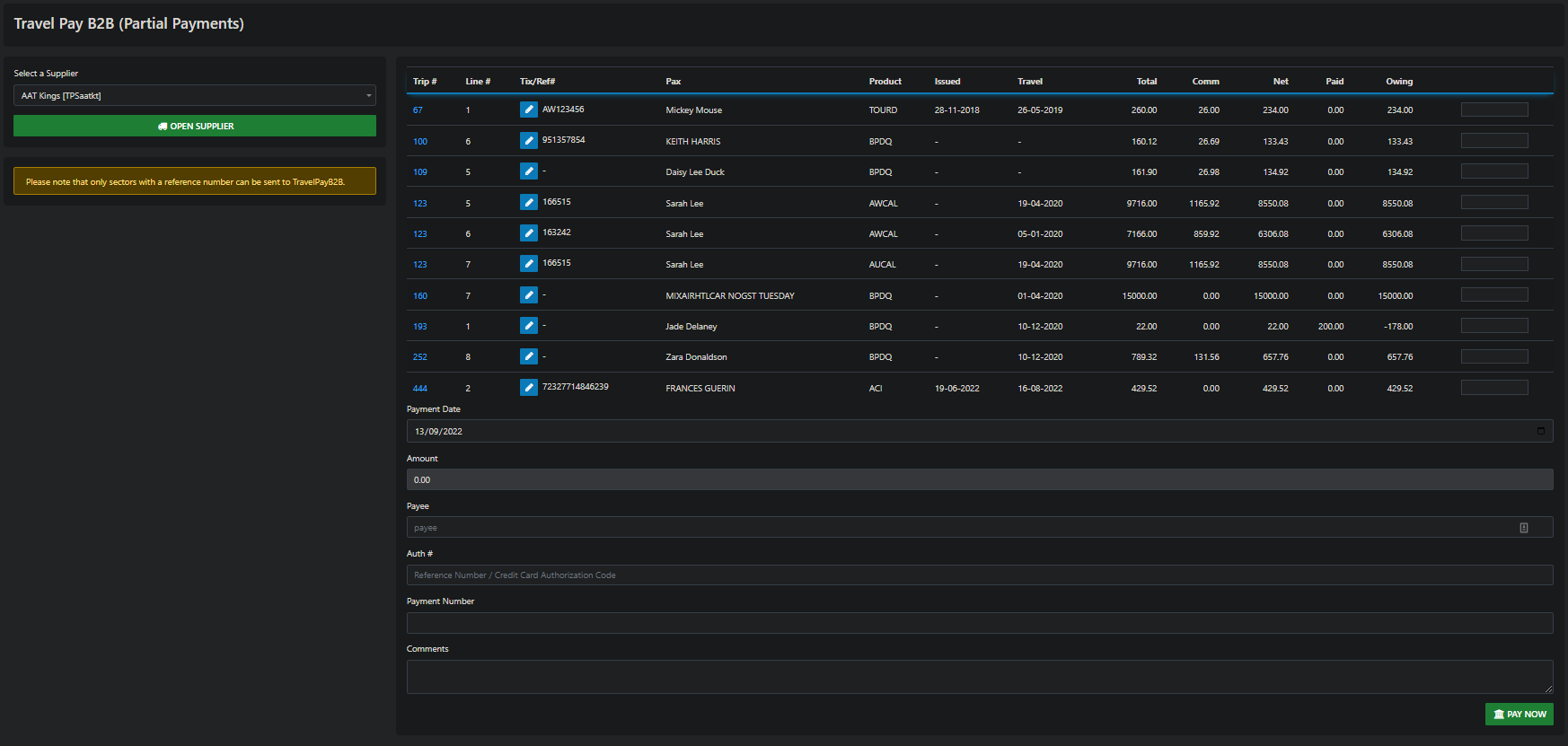
to be able to process a payment the sector MUST have a Tix/Ref#
(that information comes from the reference number field in the trip sector)
You can ADD a Ref # by using the edit tool 
you enter the amount you are paying on the sector in the field adjacent to the amount Owing
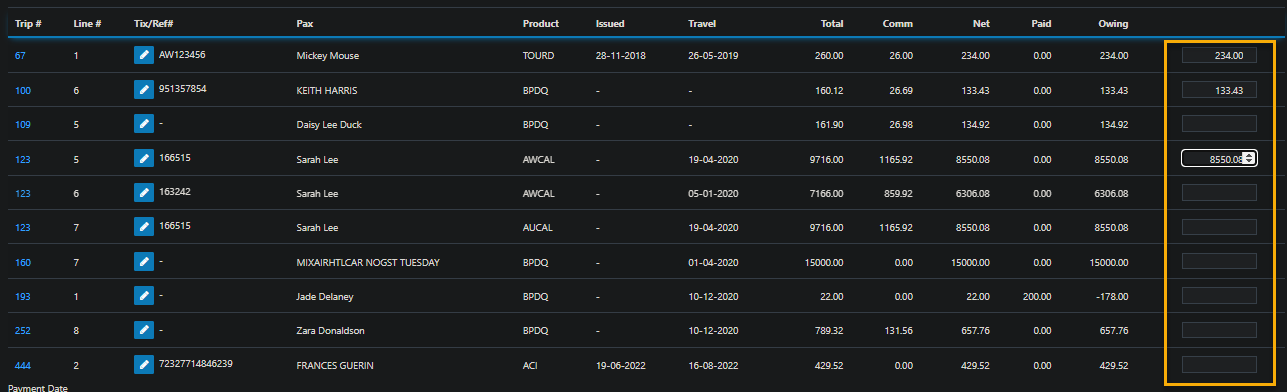
on completeion of applying the amounts to be paid enter the payment date
AND the Payee (that would be your agency)
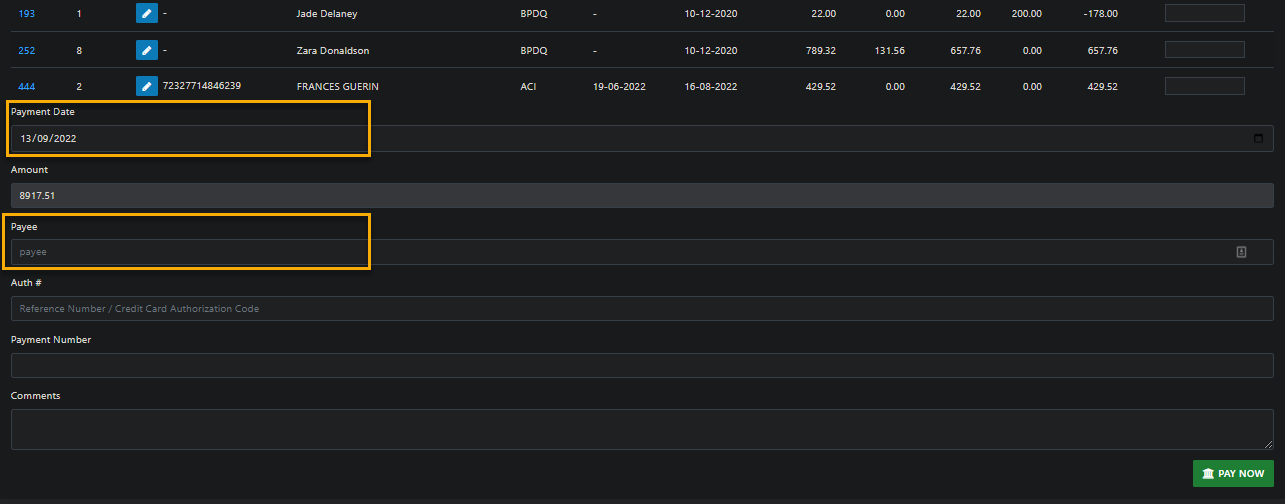
complete the transaction by selecting
PAY NOW